Phase 01
The Decision
I didn't buy a robot arm. I decided to build one, before I knew how.
I wanted a machine that could pick something up and put it somewhere else. That sounds simple until you try it. A six-axis arm is a physics problem, a controls problem, a manufacturing problem, and a software problem stacked on top of each other, and I had no formal robotics training.
So I started where everyone starts. A sketch, a parts list I didn't understand yet, and a lot of tabs open.
It didn't have a name yet. It barely had a shape.
Phase 02
Three Tools, All at Once
Fusion 360, MATLAB, Blender. Learned in parallel, because the problem needed all three.
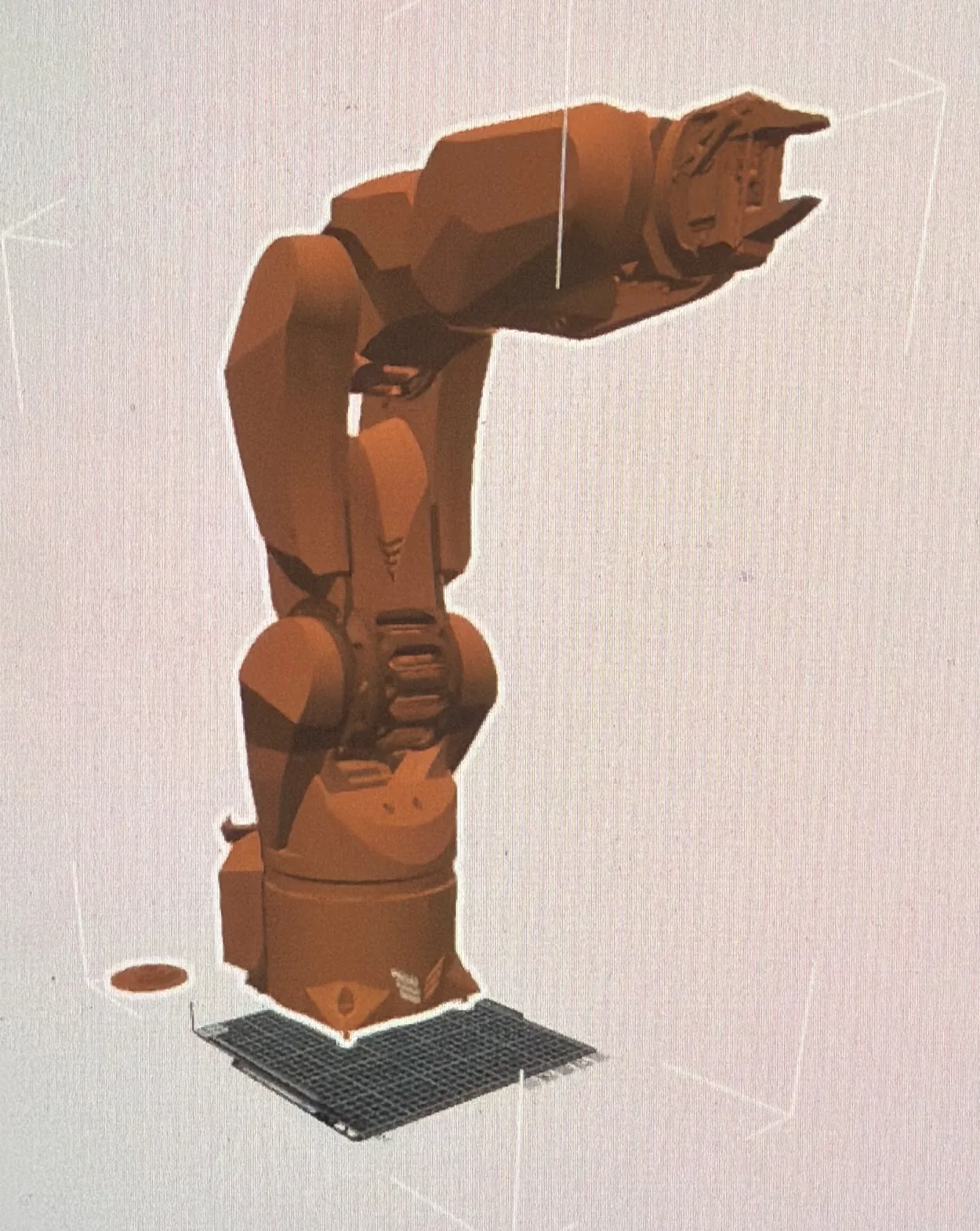
Fusion 360 for the parts. MATLAB for the kinematics math. Blender for seeing the motion before I committed to printing anything.
I learned each one badly at first, then well enough. That's the honest version. What made it work was that I wasn't learning them for their own sake. Every tool was pointed at the same question:
- Fusion 360the parts
- MATLABthe kinematics
- Blenderthe motion
Phase 03
Why Six Degrees of Freedom
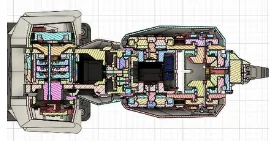
Fewer axes are easier. Six is the number that lets you reach any point at any angle.
With three or four axes you can get the gripper to a position. With six, you can get it there in a specific orientation, which is the difference between reaching a bolt and actually turning it.
Six is also where the math stops being friendly. That tradeoff is the entire reason the rest of this page exists.
Phase 04
Inverse Kinematics First
I solved the math before I designed the metal, on purpose.
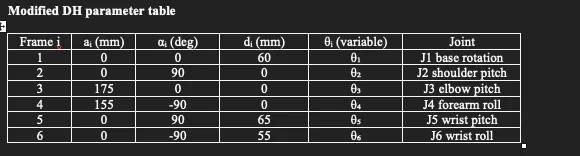
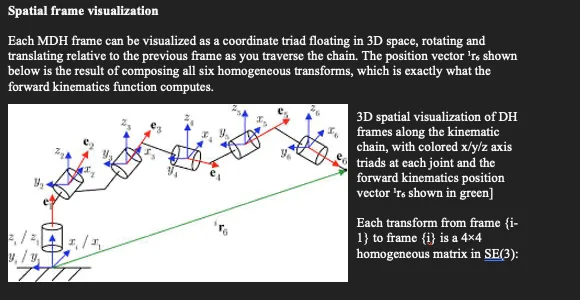
Forward kinematics asks: if I set all six joints to these angles, where does the hand end up? Inverse kinematics asks the harder question in reverse: I want the hand here, so what does every joint need to do?
That second question has multiple valid answers, sometimes none, and it gets worse near the edges of the arm's reach. I built the solver in MATLAB first and let the results drive the physical design instead of the other way around. Link lengths, joint limits, and the shape of the reachable workspace all came out of the math.
That decision was right. The execution was where I got in trouble.
Phase 05
Version One
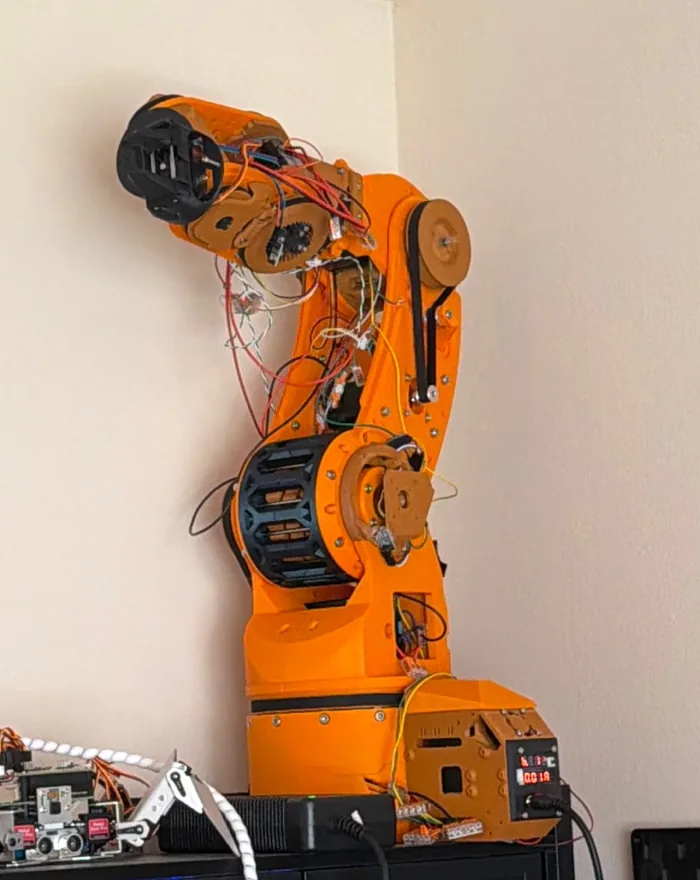
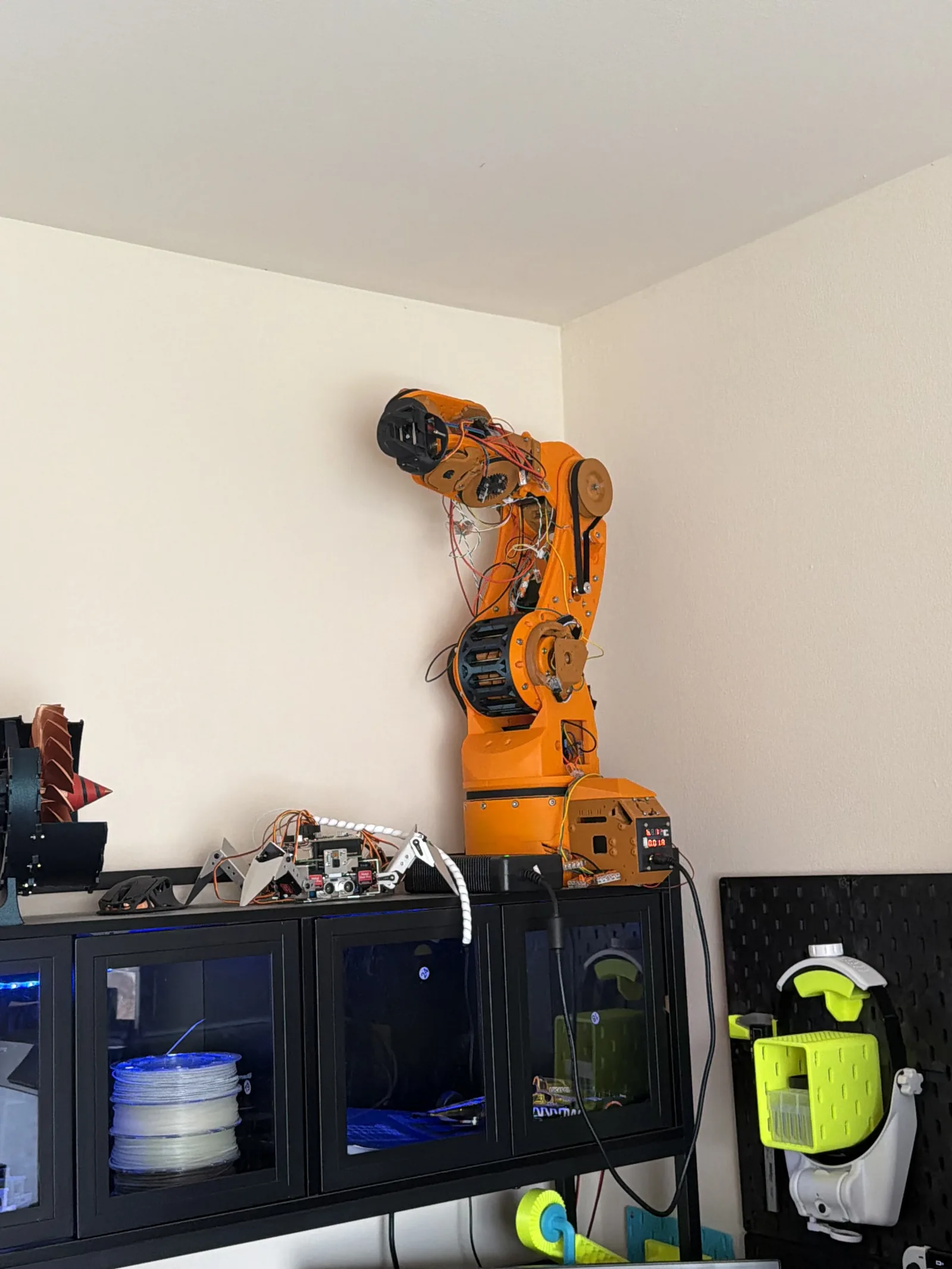
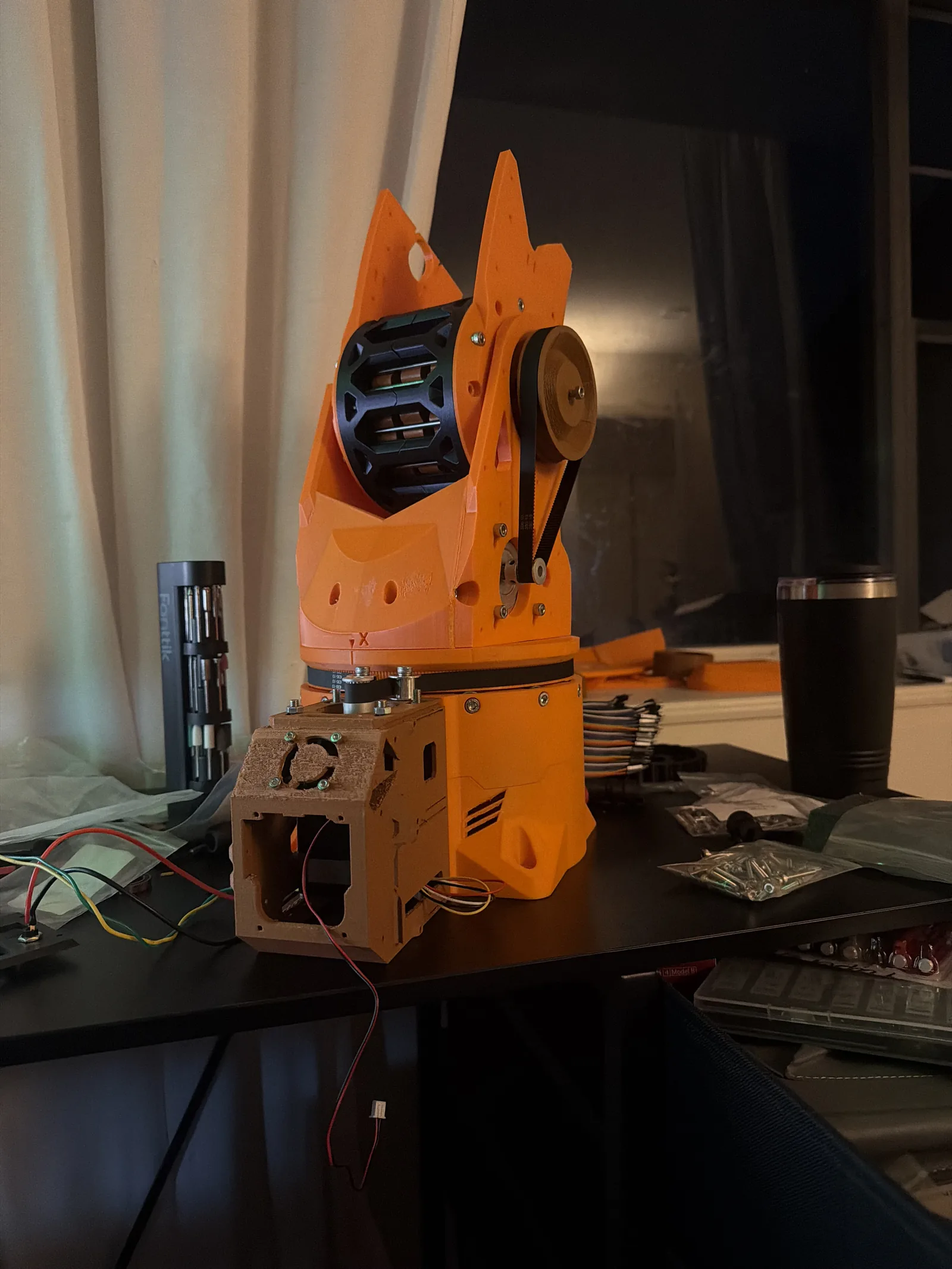
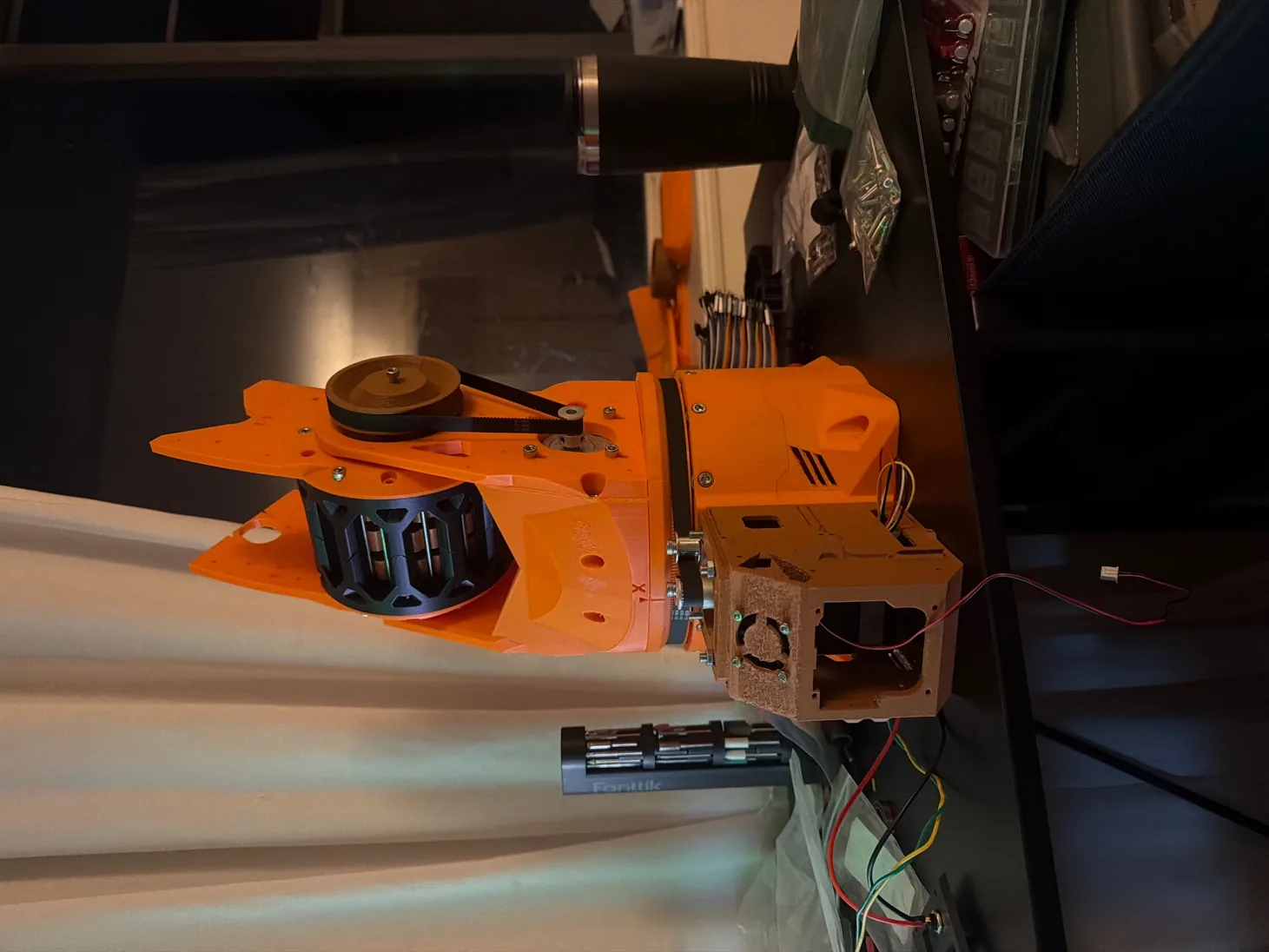
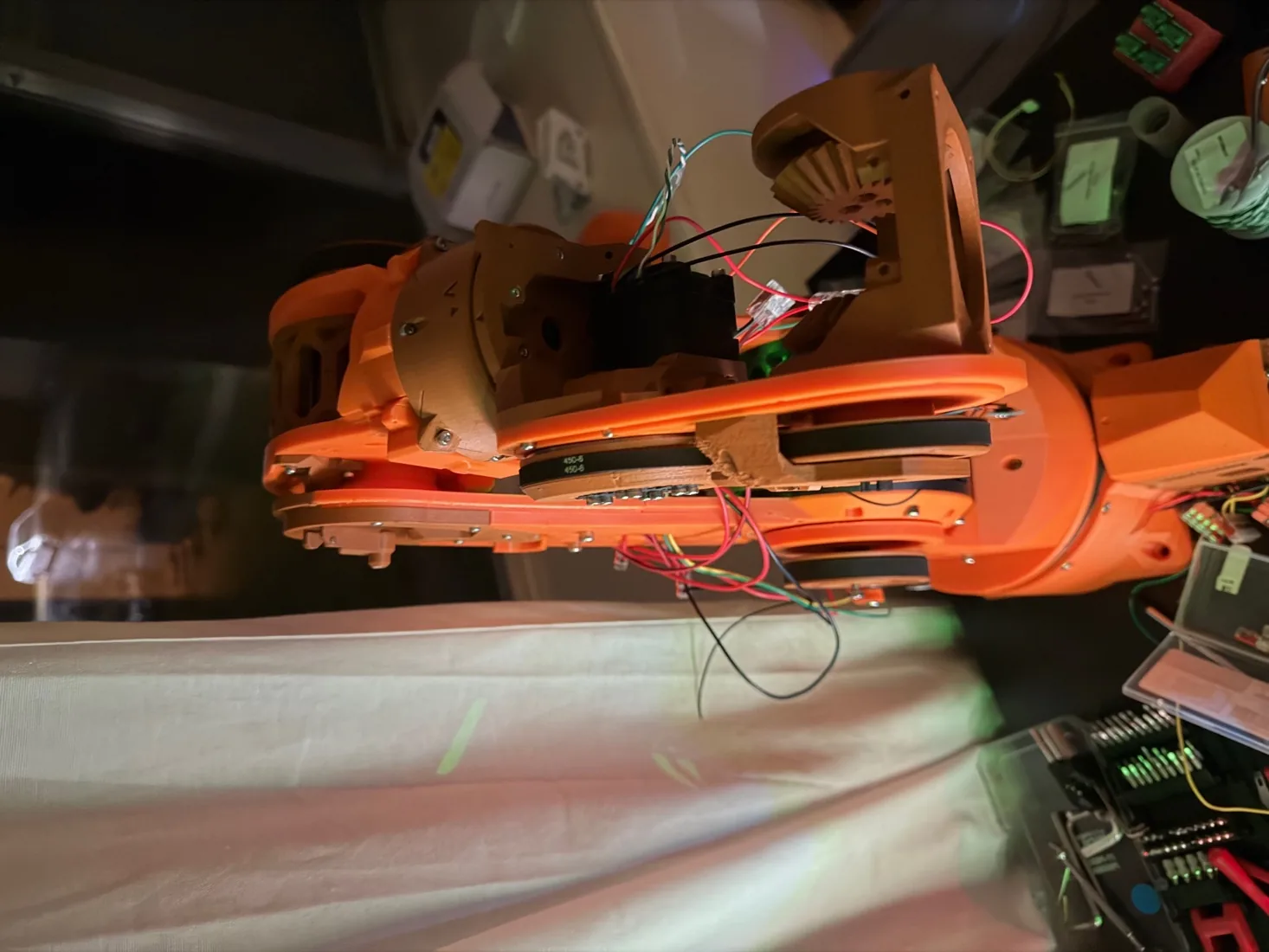
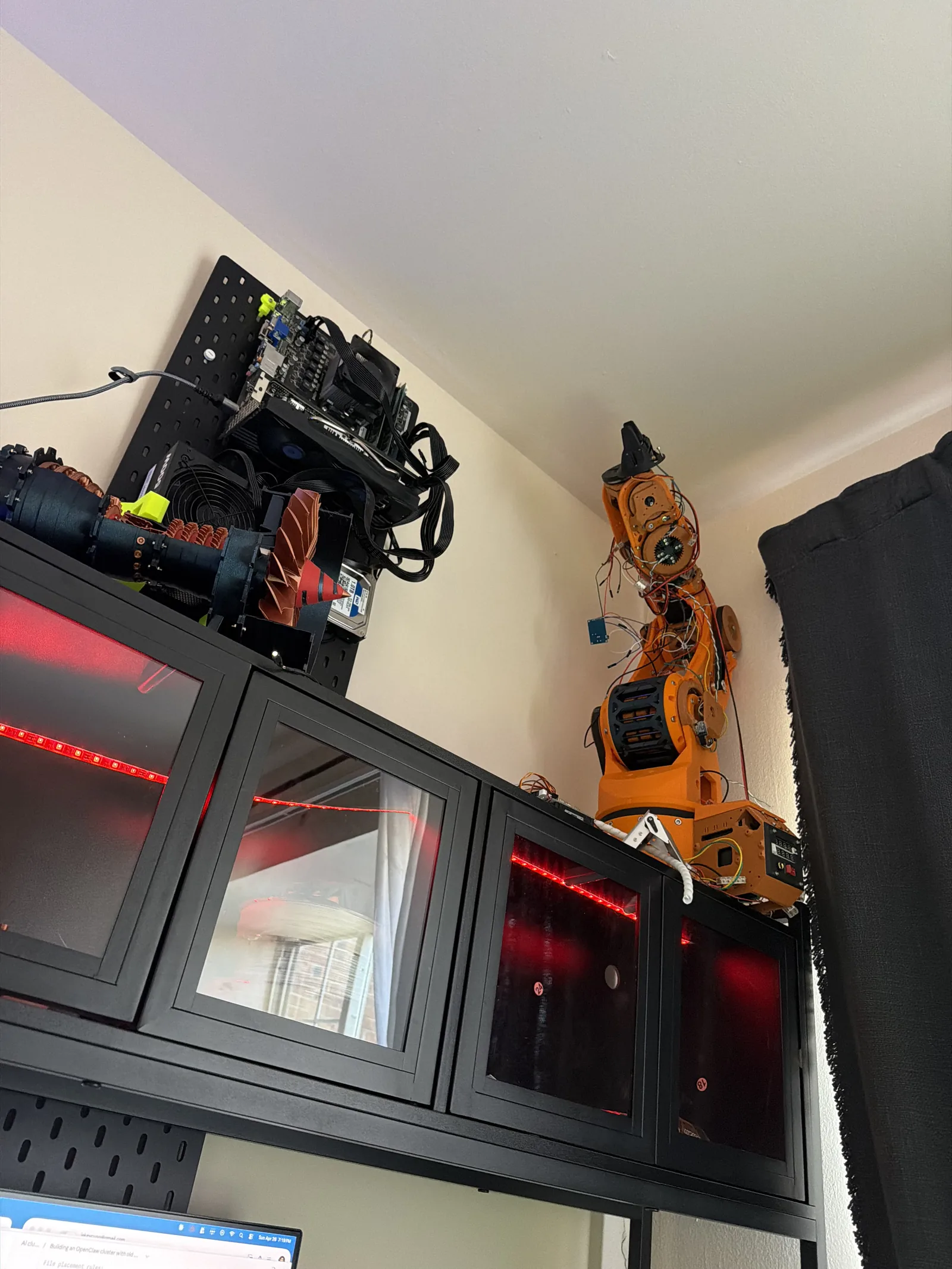
Orange, six axes, unnamed. My first real arm.
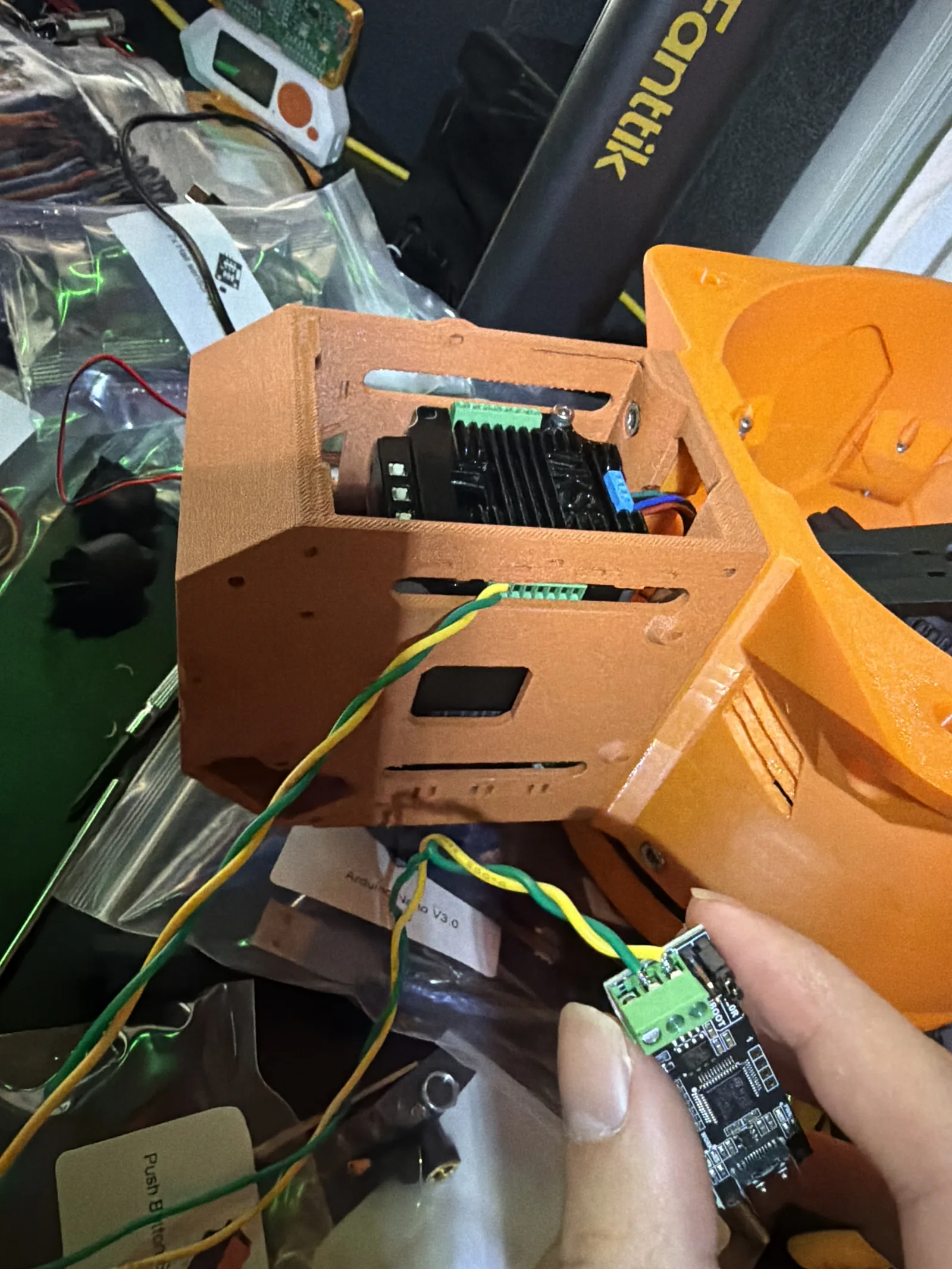
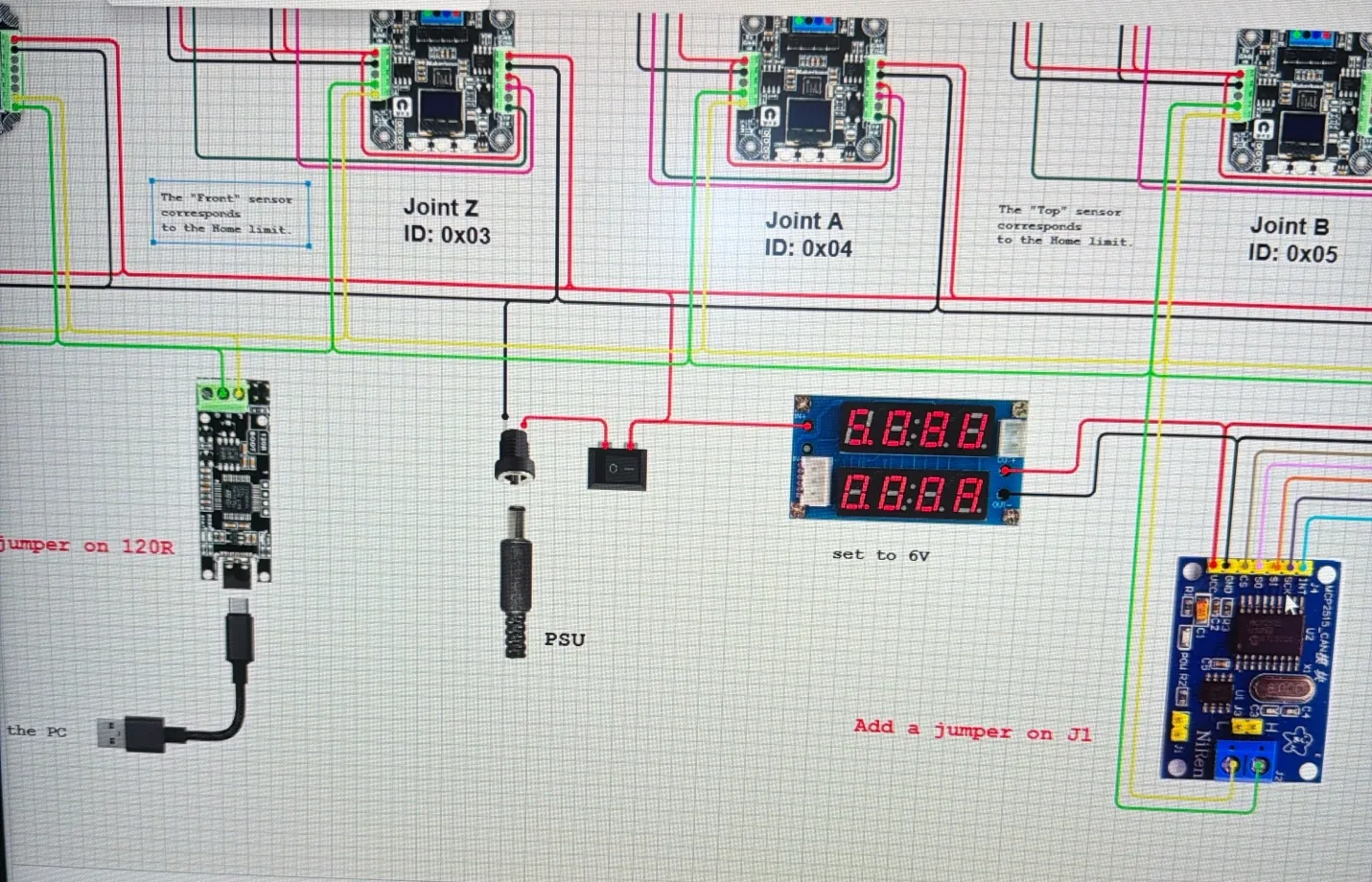
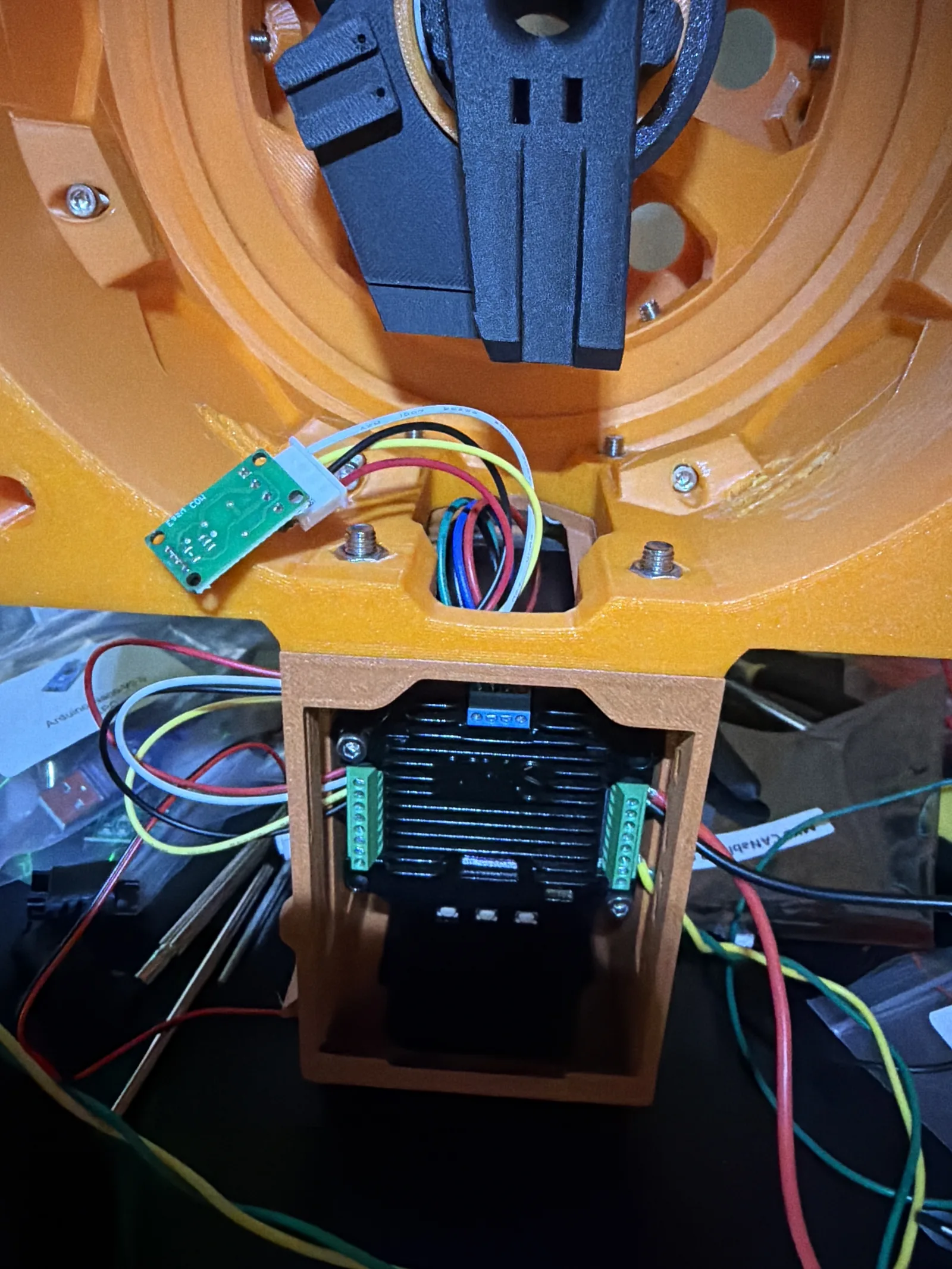
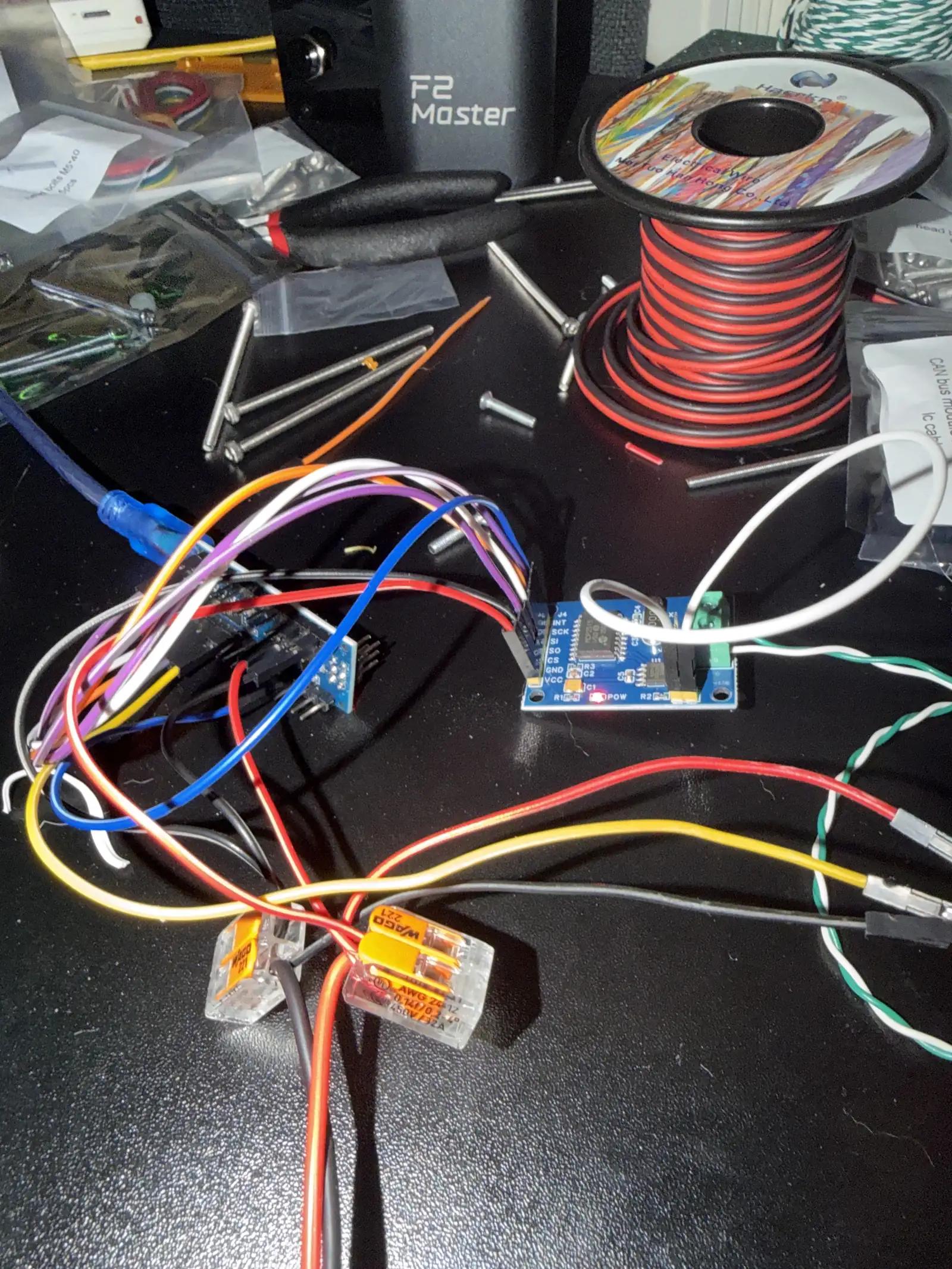
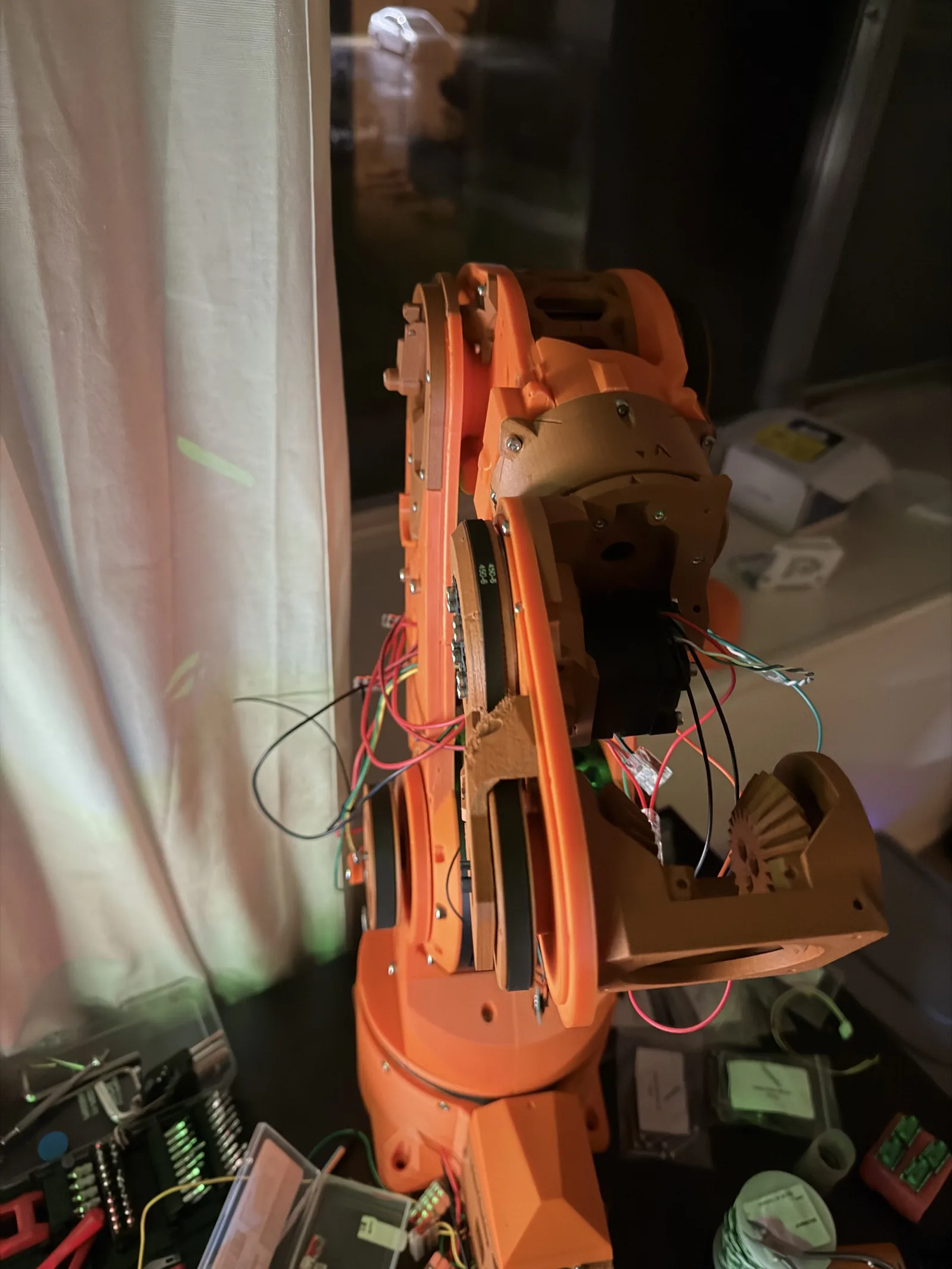
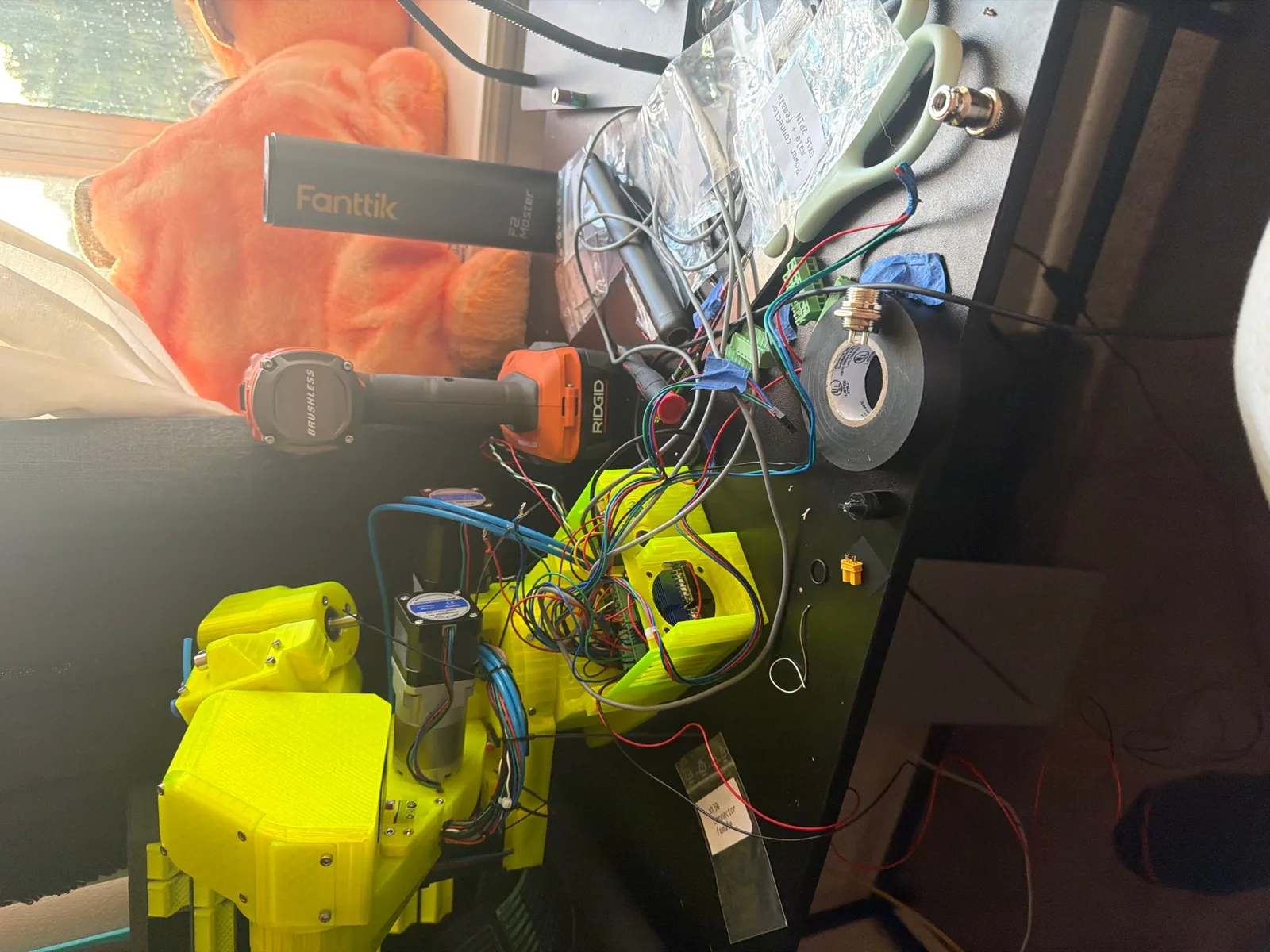
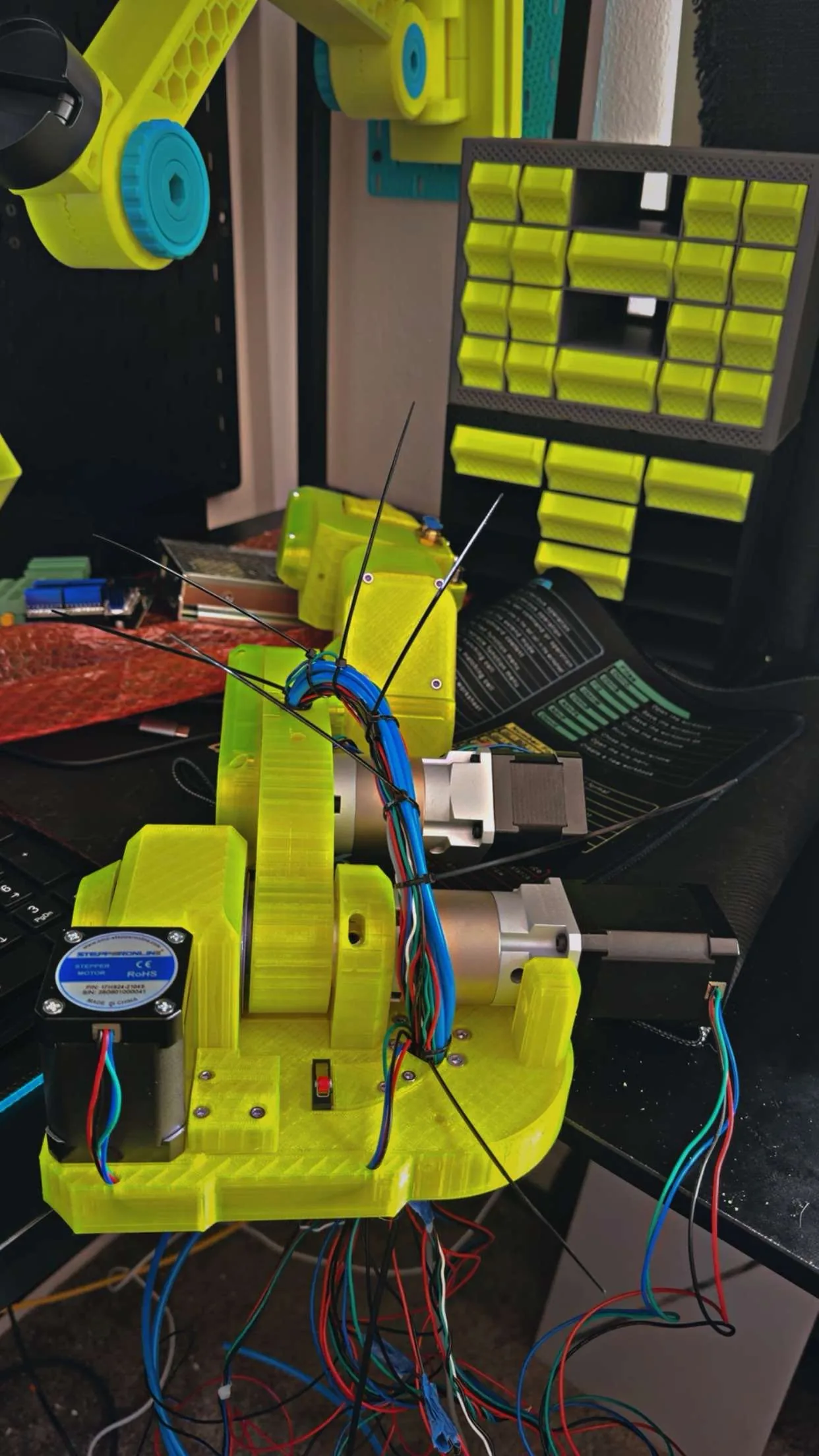
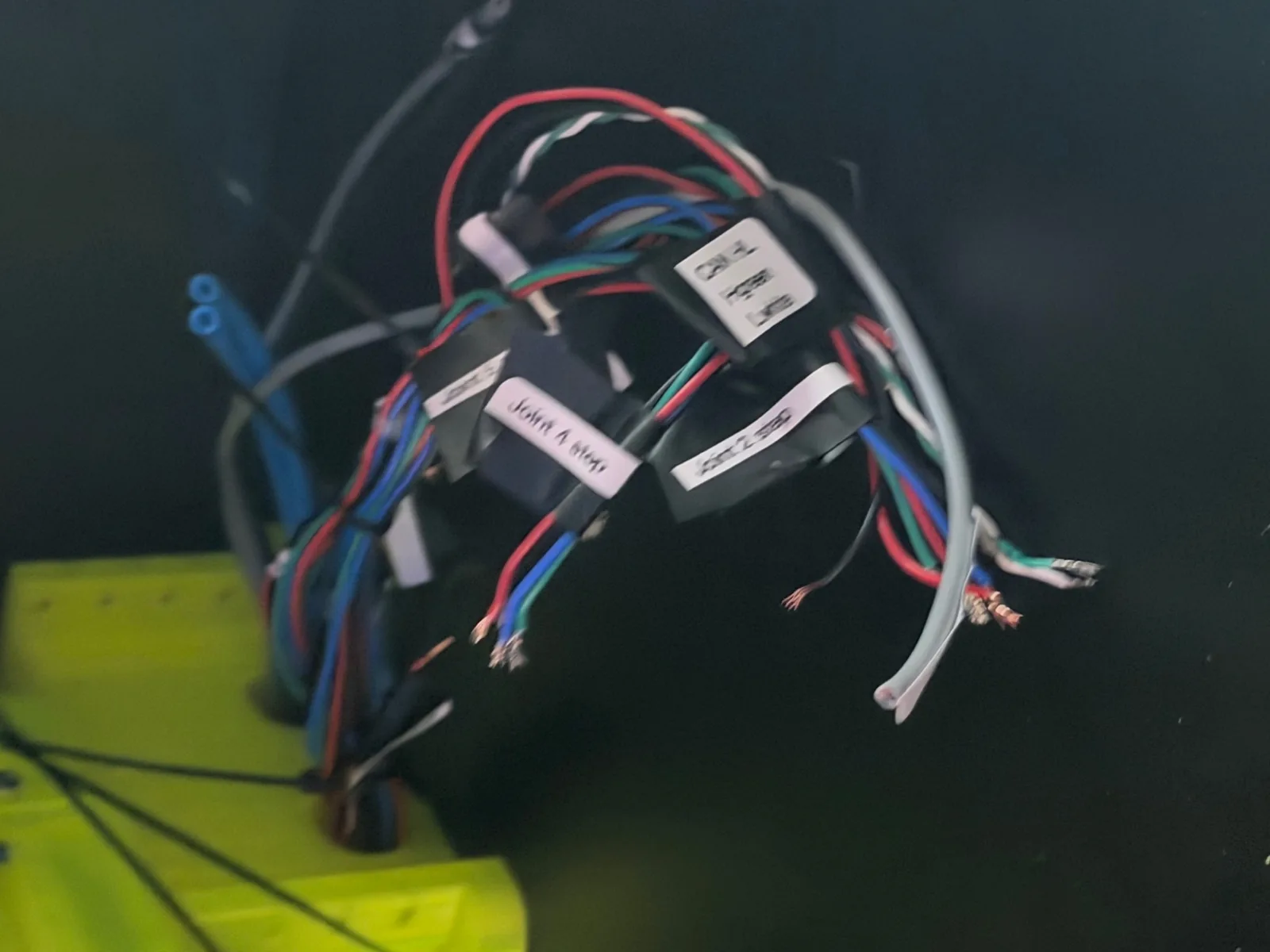
Version One was printed, wired, and assembled on my own bench. I pulled CAN bus wiring patterns from the open-source robot arm community and learned how the separate operating modes worked by reading their forums and asking questions. That community taught me more about motor control in a month than any datasheet did.
I never gave it a proper name. It was just the orange one. Version One.
And it worked. It moved, it reached, it picked things up.
Phase 06
Closing the Loop, Alone
I built my own closed-loop control system from scratch, using open-source projects as reference.
Open loop means the arm commands a position and hopes. Closed loop means it measures where it actually is and corrects. I wanted the second one, so I built it, leaning on open-source robotics projects to check my assumptions and sanity-check my approach.
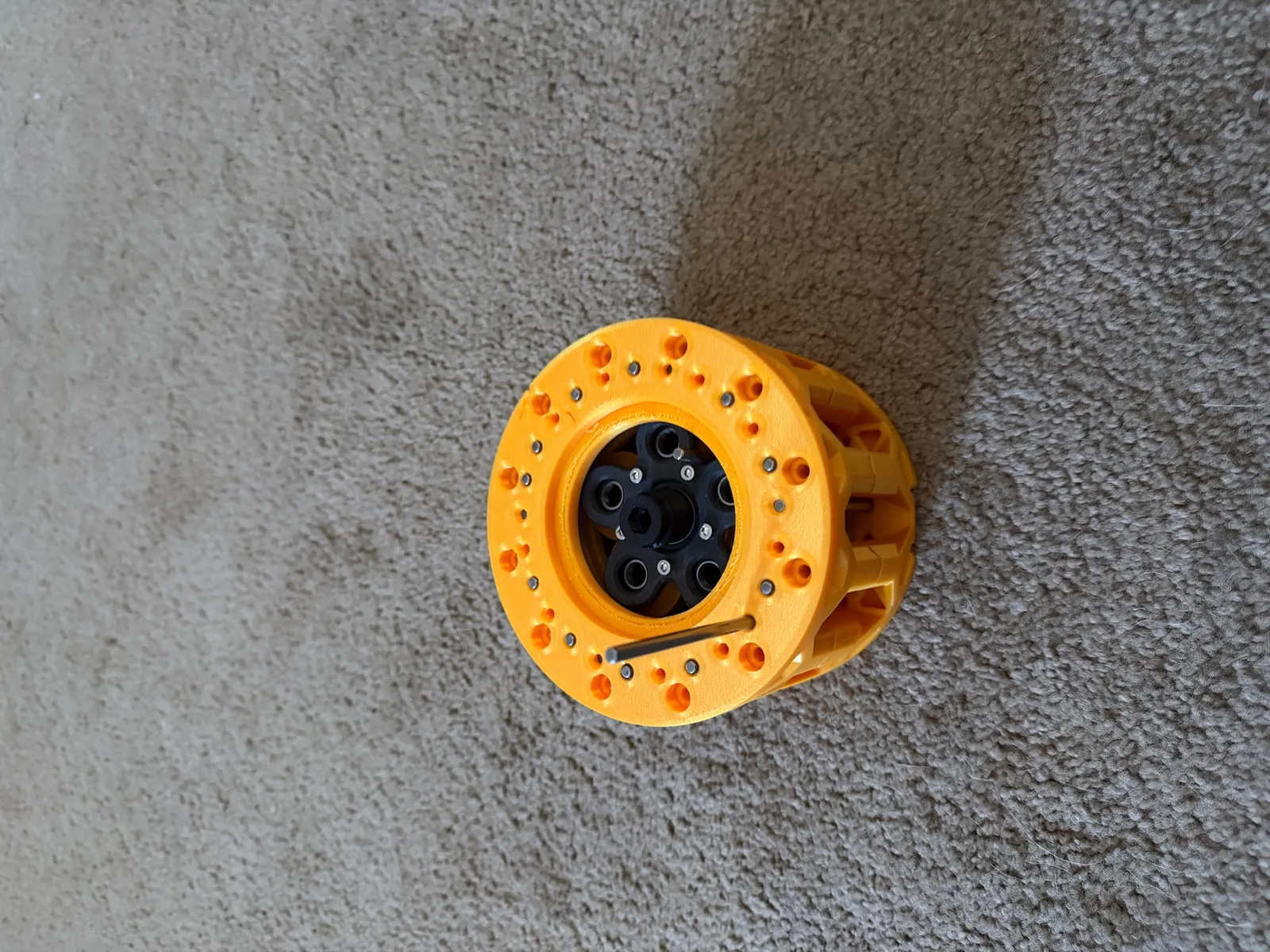
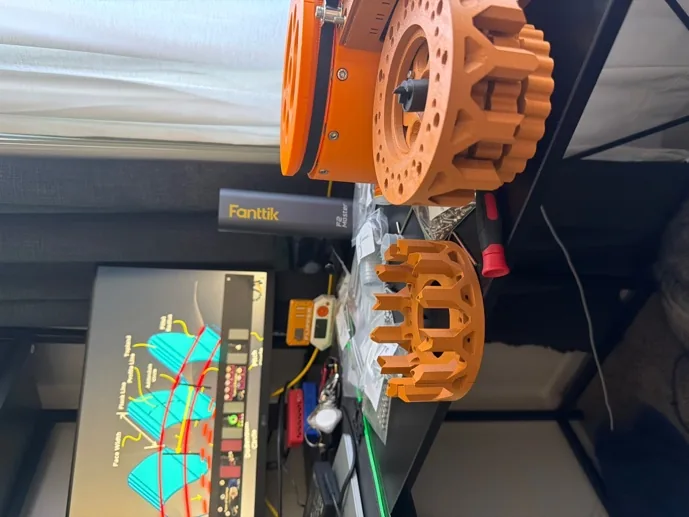
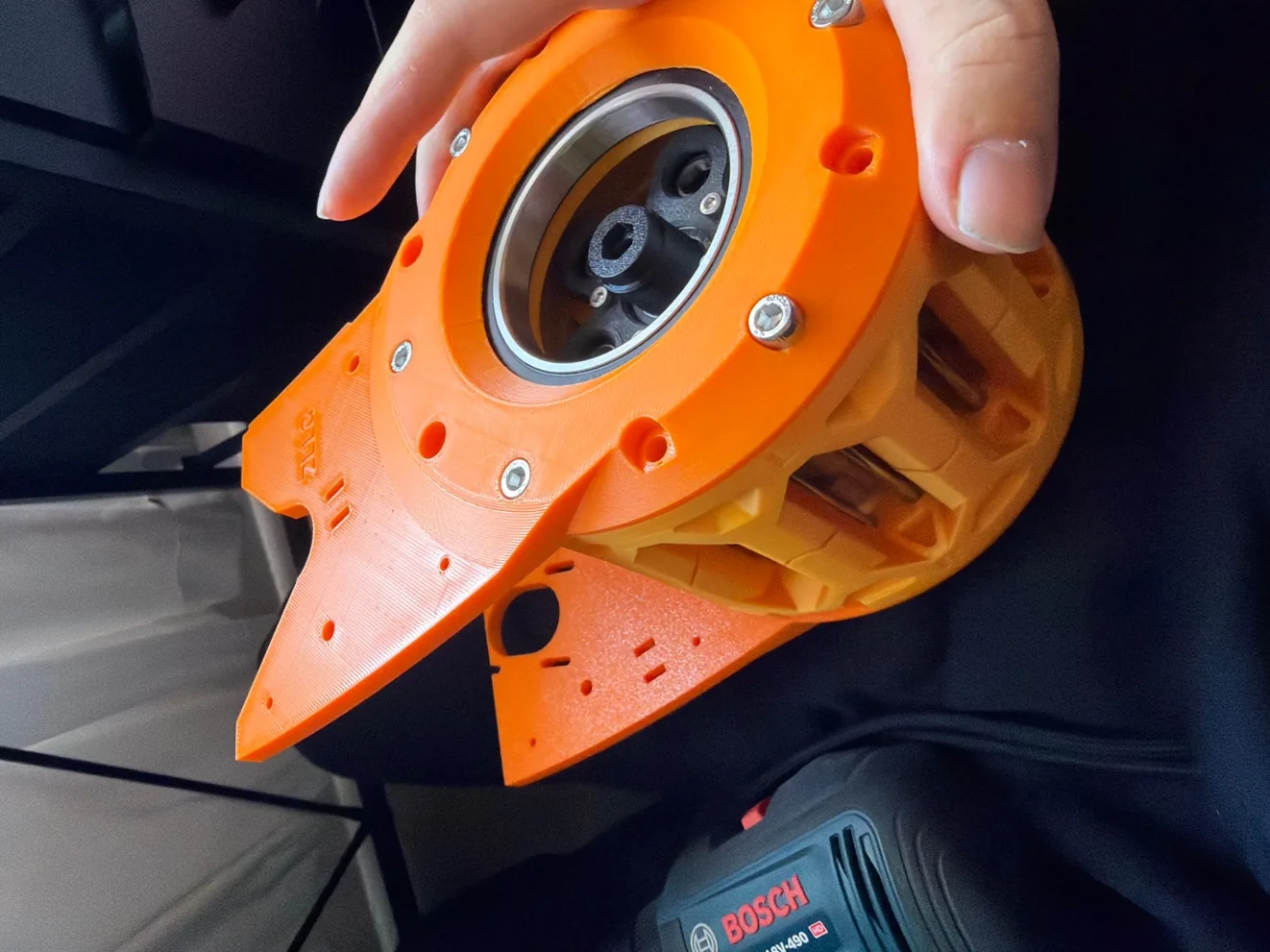
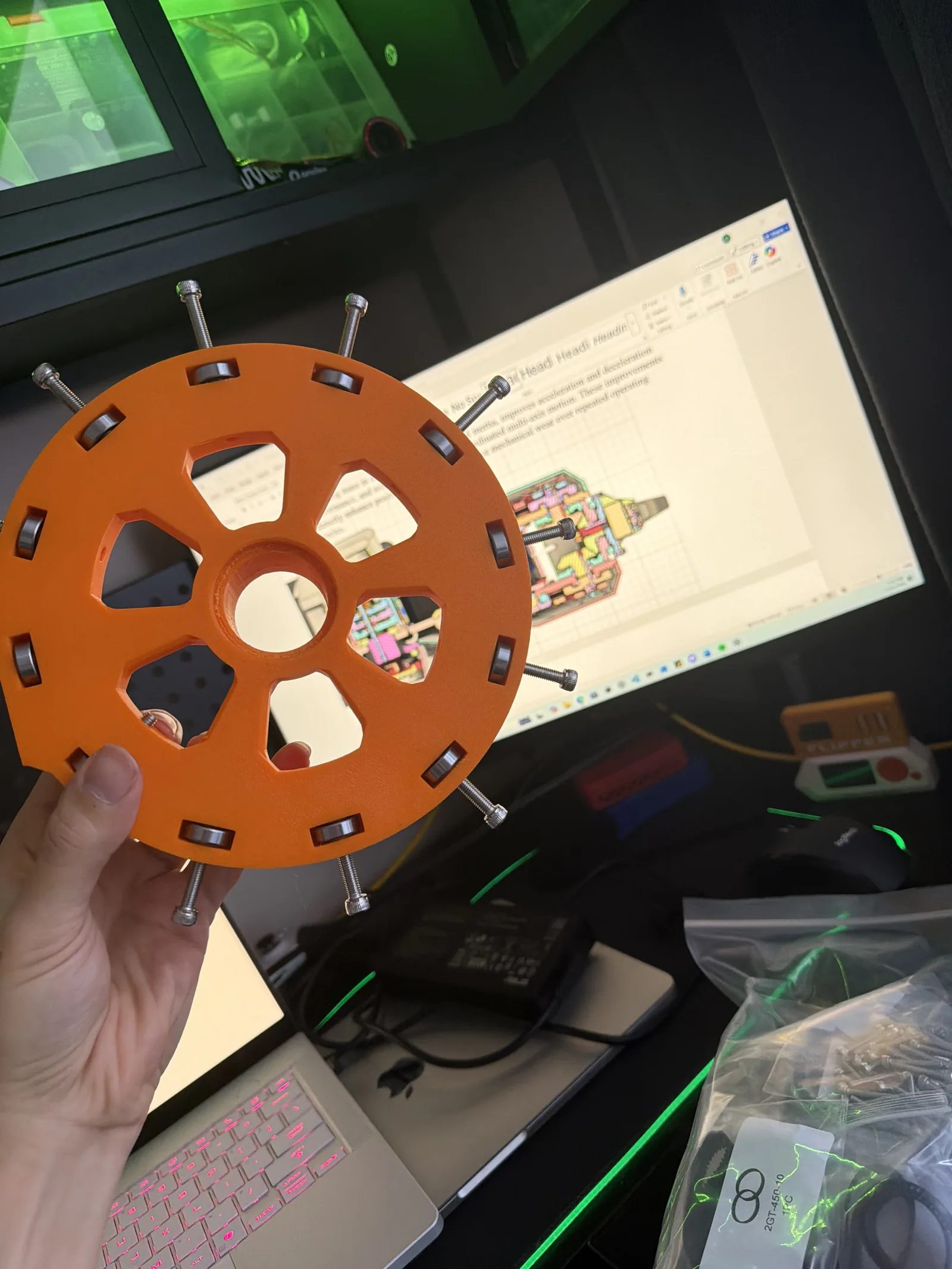
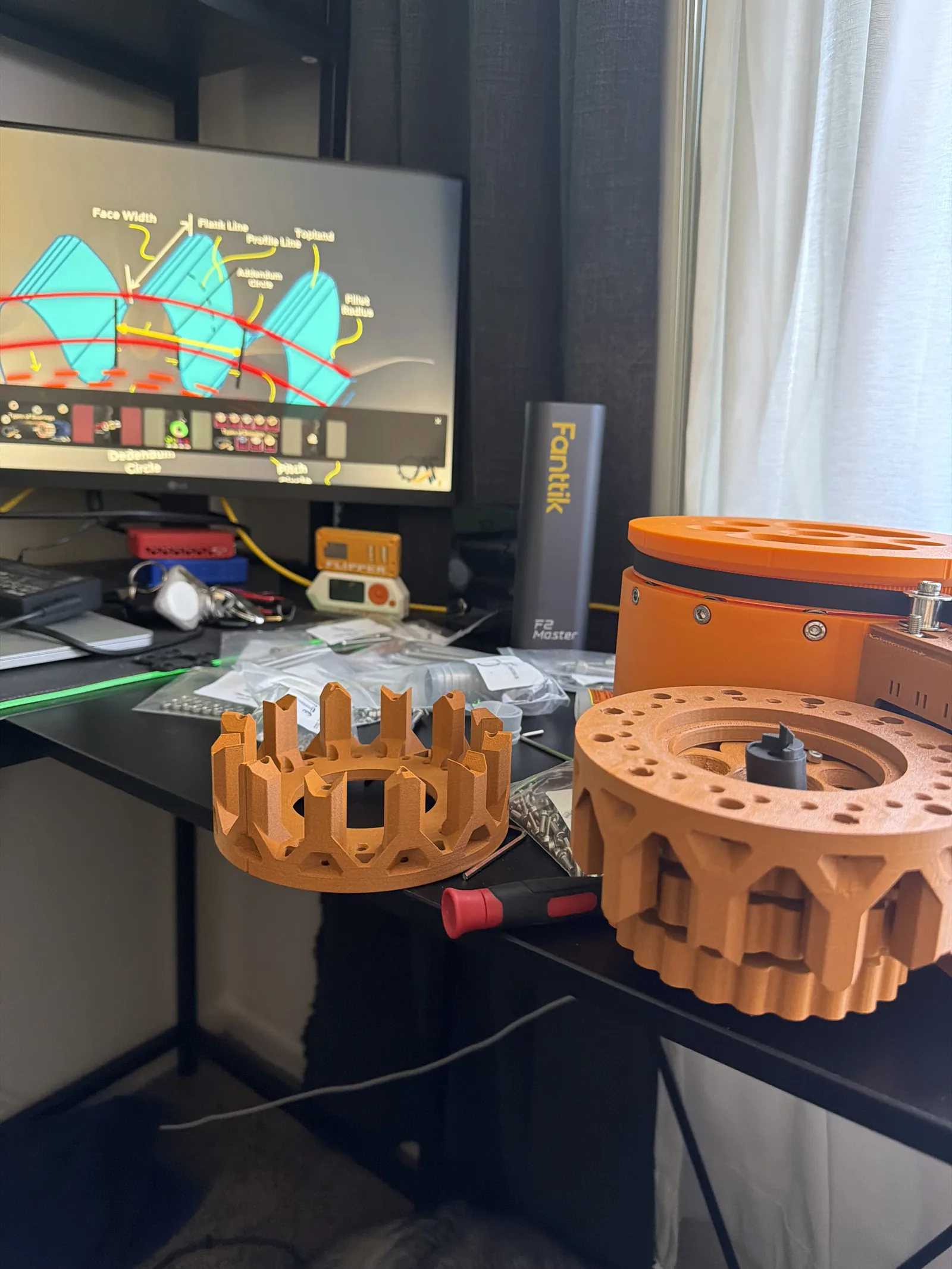
I designed a cycloidal gearbox of my own for the joints, to get the reduction I needed without carrying the weight a conventional gearbox would have cost me.
It was the most ambitious thing I'd attempted and the place where every small error I'd made upstream finally showed up.
Phase 07
What Broke
It tipped over. Then I found out why.
The failure list, in order of how much it cost me:
- Positioning drifted by quadrant. Accuracy was acceptable in one region of the workspace and noticeably off in another. That's the signature of an IK error, not a hardware error.
- The gripper was wrong for the payload. I sized it for the objects I imagined instead of the objects I had.
- Materials were under sustained strain. Parts that were fine at rest were not fine holding a load at extension.
- It fell over at reach. Push the arm too far out and the center of mass left the base. That's not subtle. That's the whole machine on the floor.
The root cause was small. My inverse kinematics were off by a fraction. At the shoulder that's invisible. At full extension it compounds into a real distance, and a real moment arm, and then gravity does the rest.
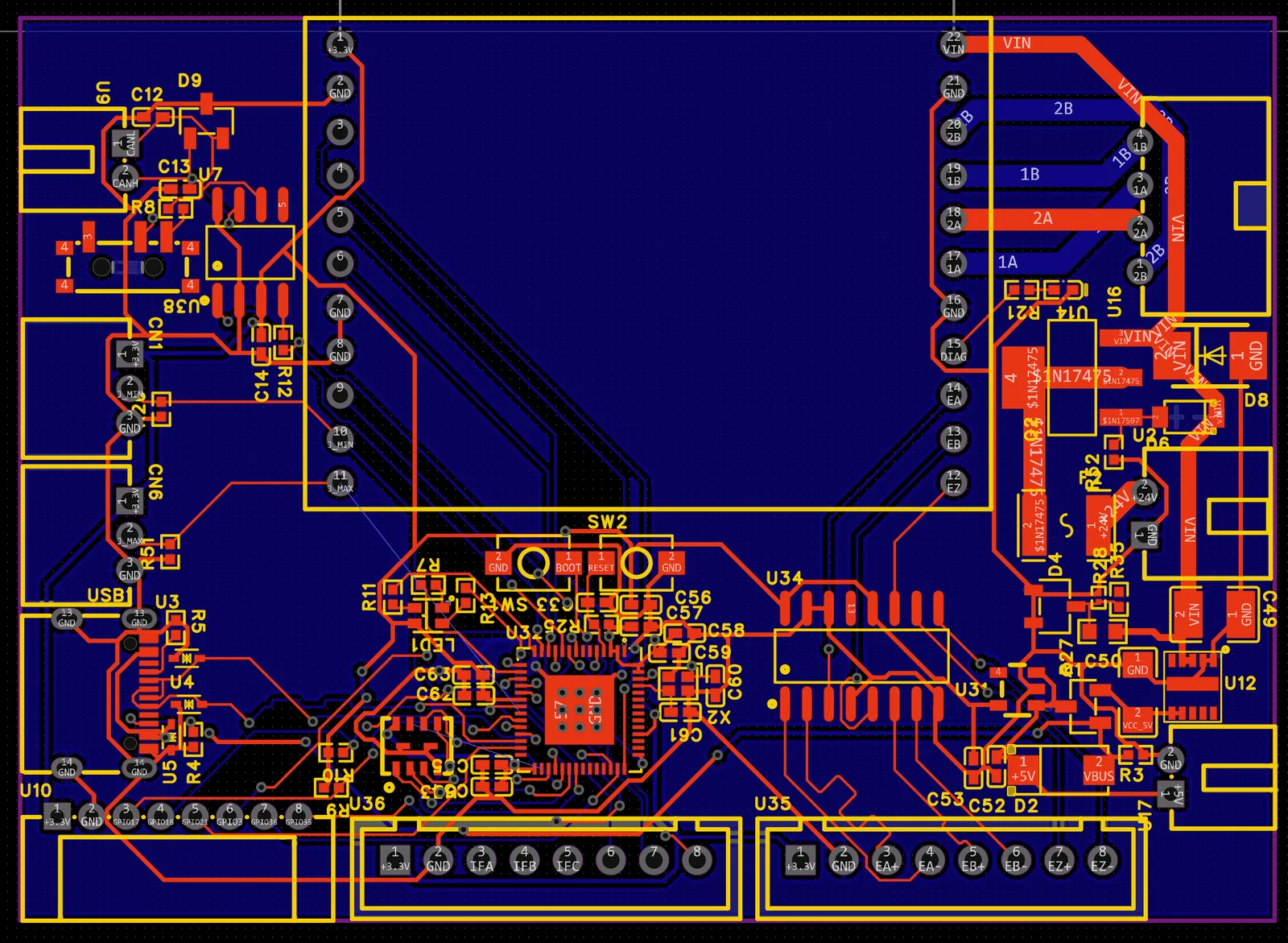
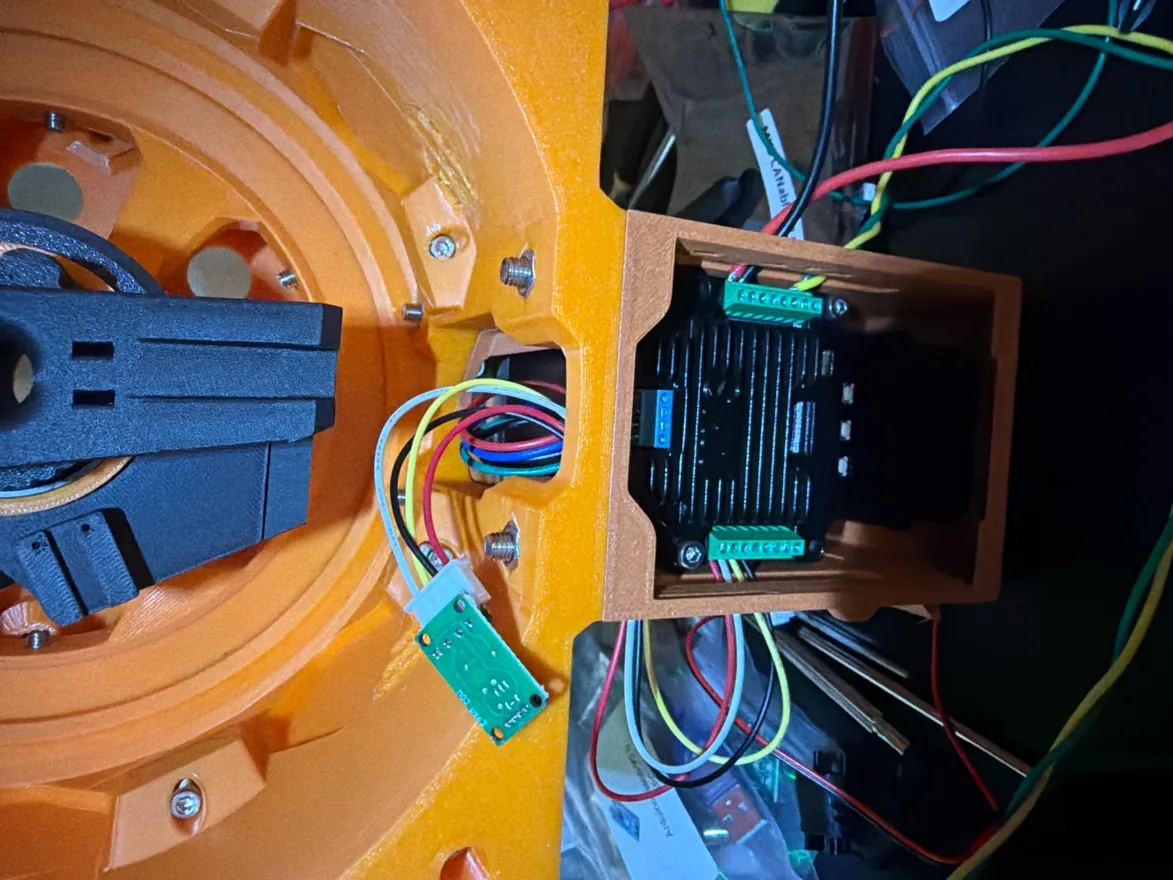
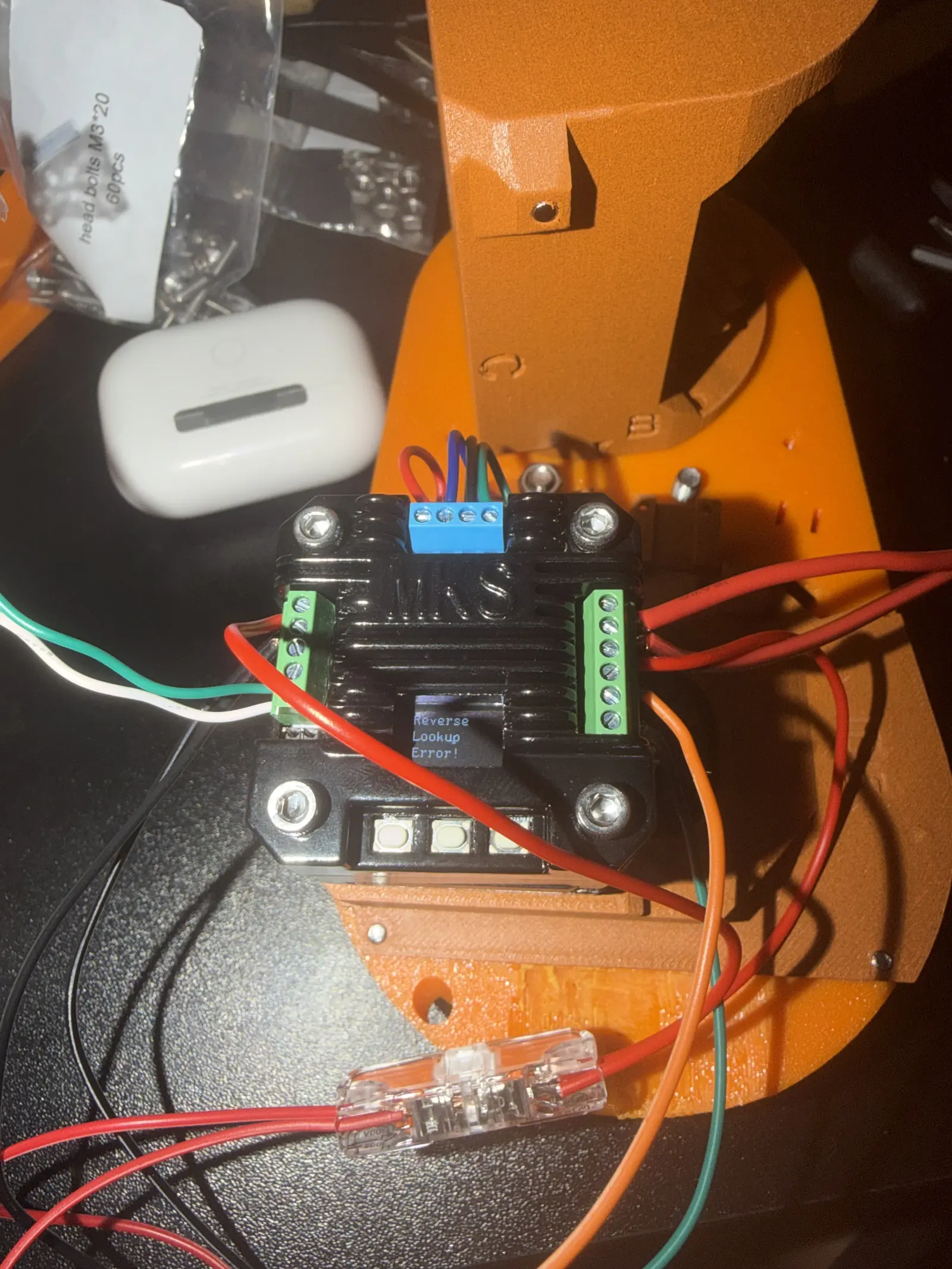
The hall sensors were part of it too. They needed to be positioned to within ±0.01 mm to read correctly, and at that tolerance there is no such thing as close enough.
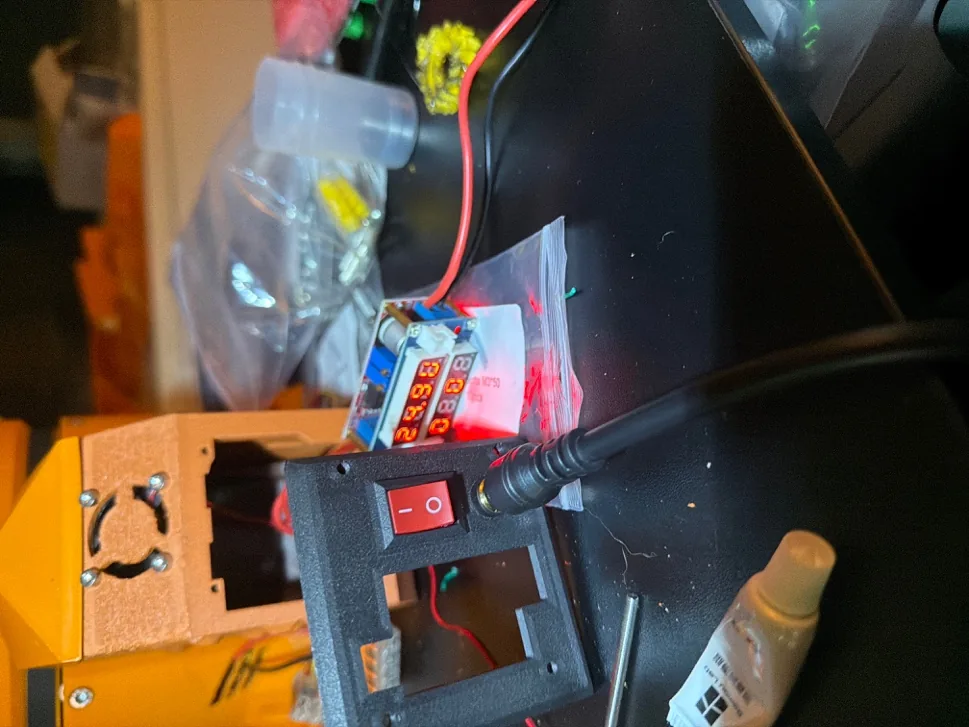
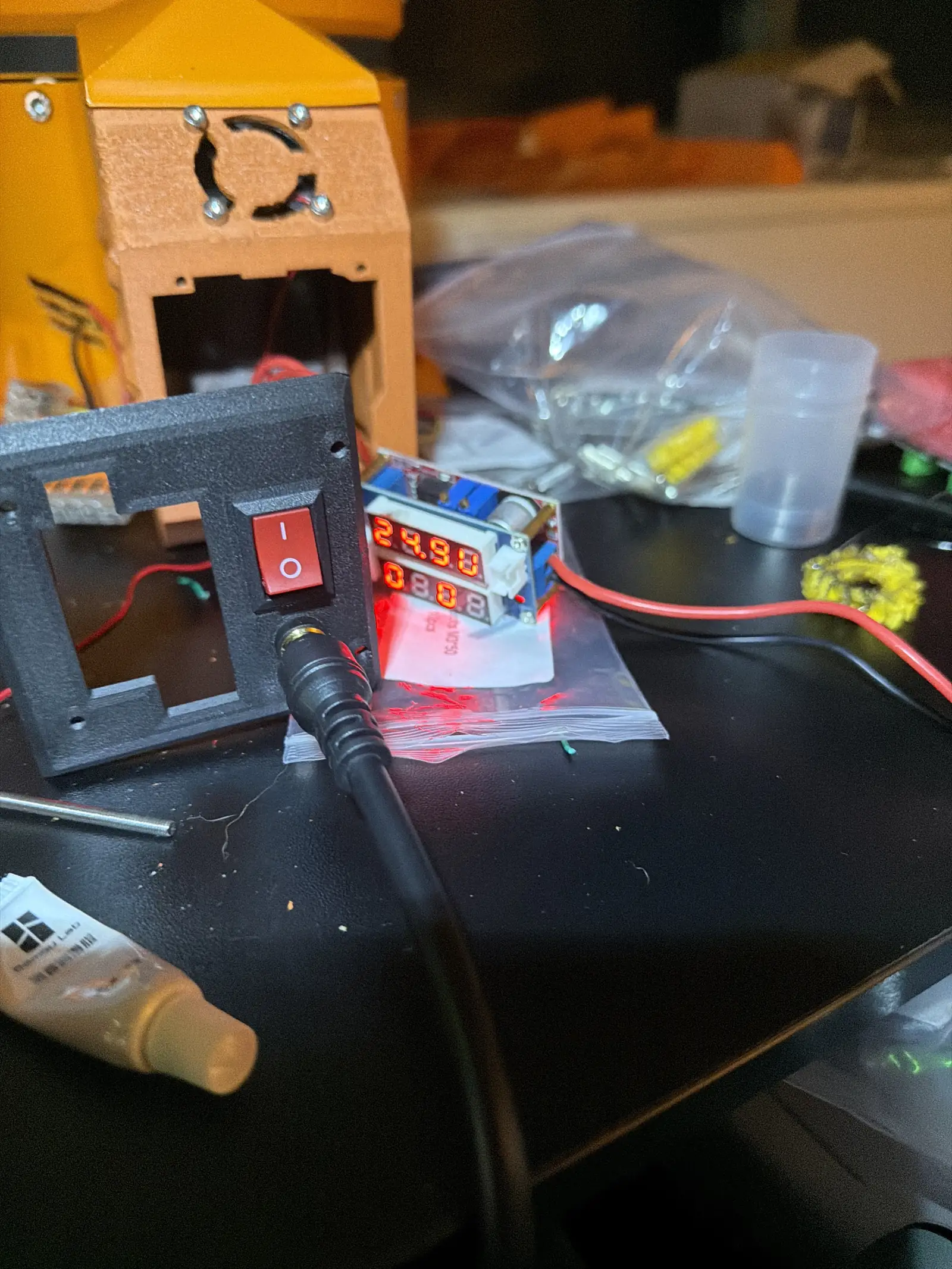
Fixing it meant rewiring the whole system from 5 V to 24 V while keeping the gripper on 5 V.
Phase 08
What Version One Taught Me
Four lessons, one per failure.
- Verify the solver against the physical arm across the entire workspace, not just the easy middle.
- Design the gripper for the actual objects, measured, not imagined.
- Material selection is a load calculation, not a preference.
- Reach is a stability budget. Every millimeter out costs you.
Version One did its job. It just did it by failing.
Phase 09
PAROL6 and Source Robotics
I stopped designing in isolation and started building on a proven platform.
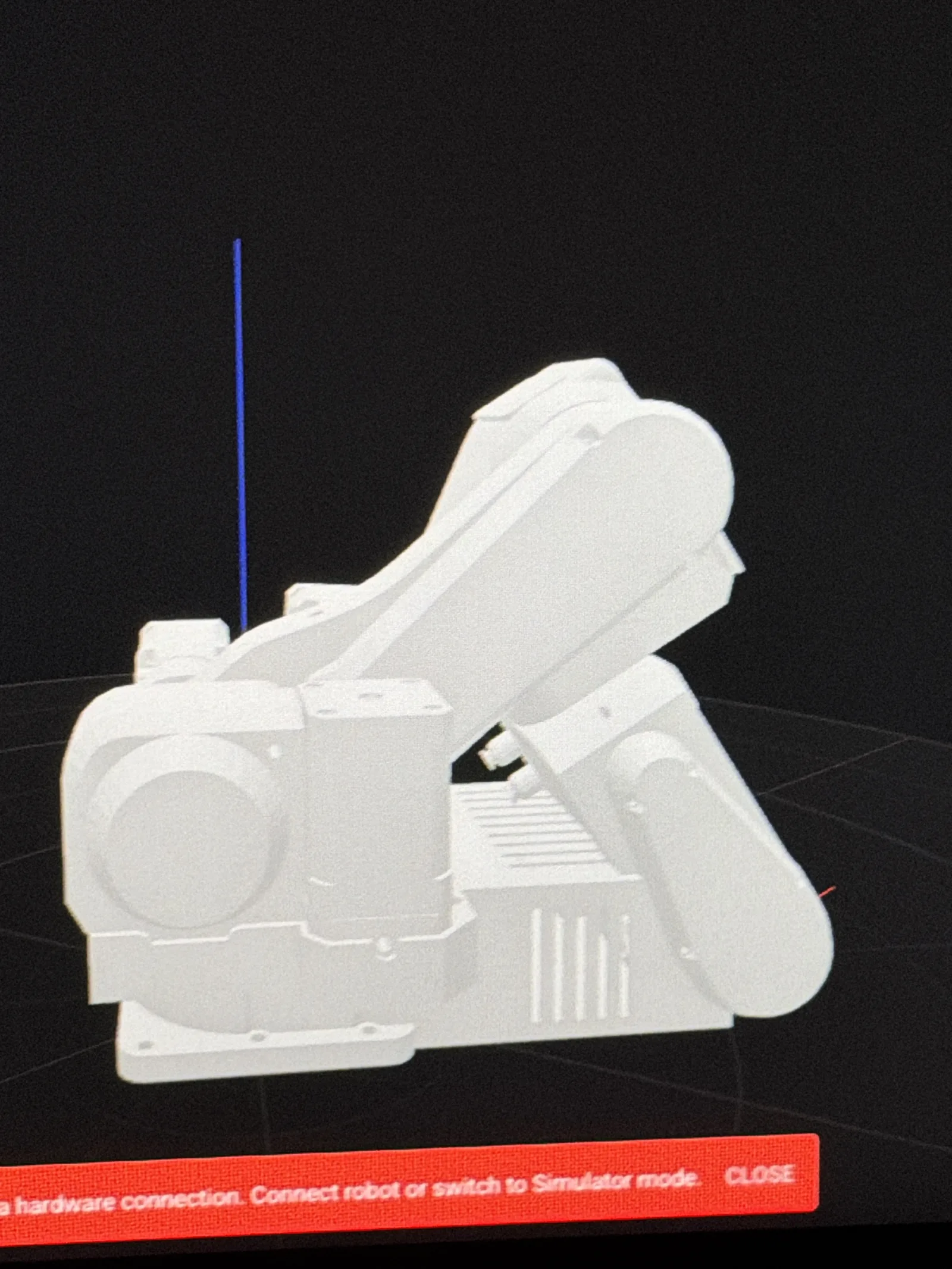
Source Robotics builds the PAROL6, an open-loop six-axis arm with a real community behind it. The mechanical files and control software are open, and there are proper docs. Building someone else's well-engineered design after failing at my own was the fastest education I've had.
I didn't want to just assemble a kit, though. I wanted to find out what I could add.
Phase 10
VOLT
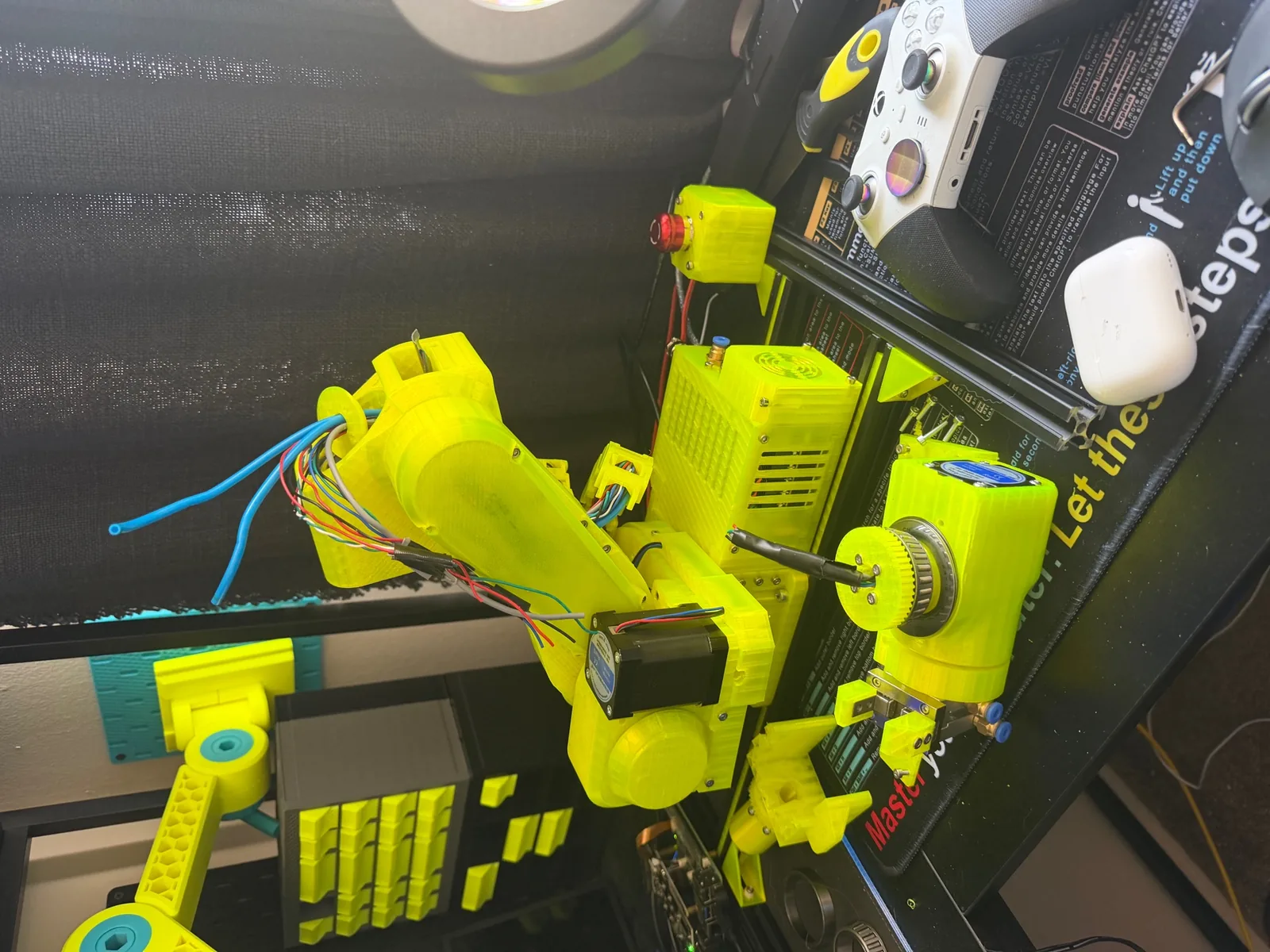
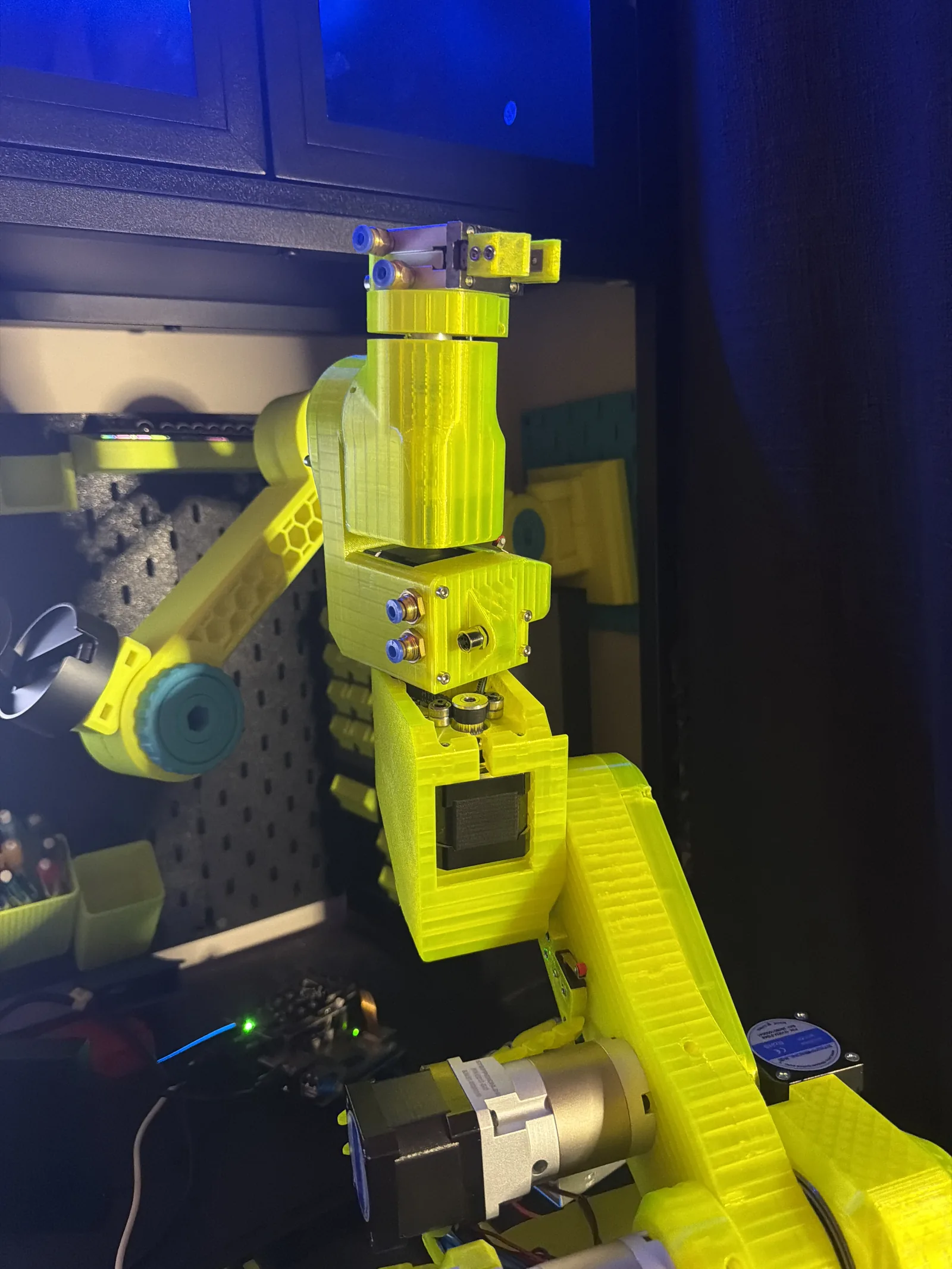
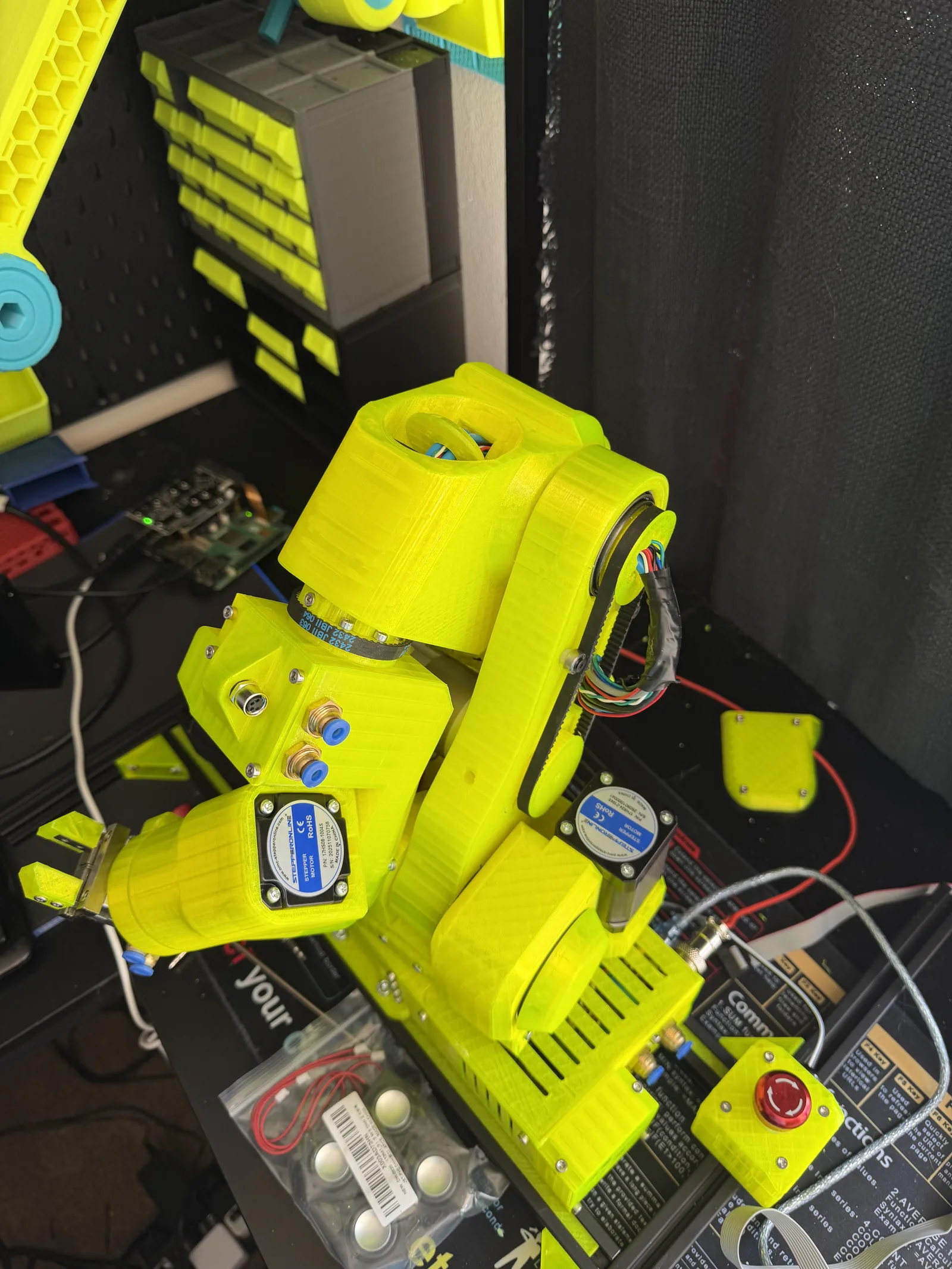
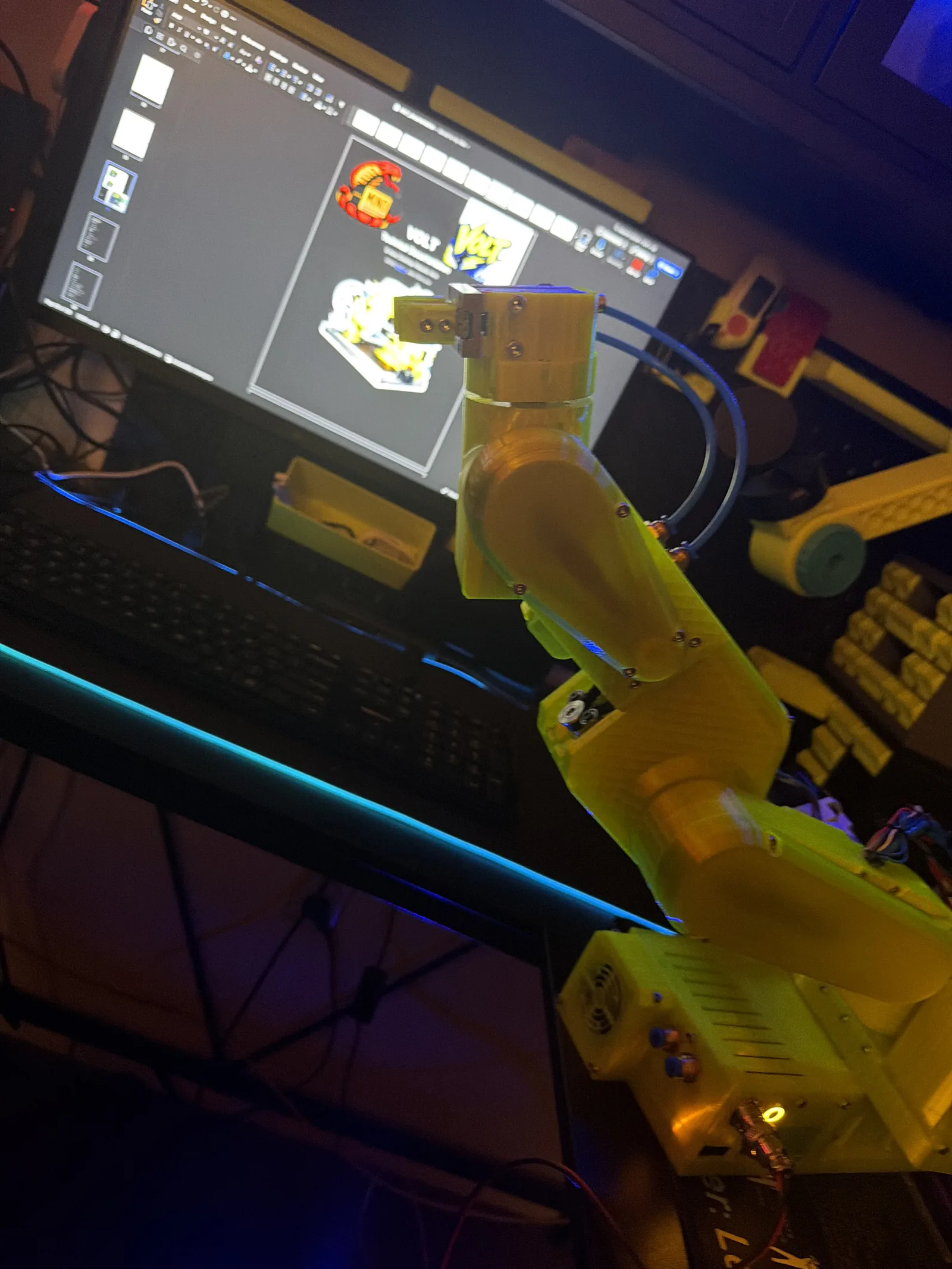
My PAROL6 build, modified. Version Open Loop Transformer.
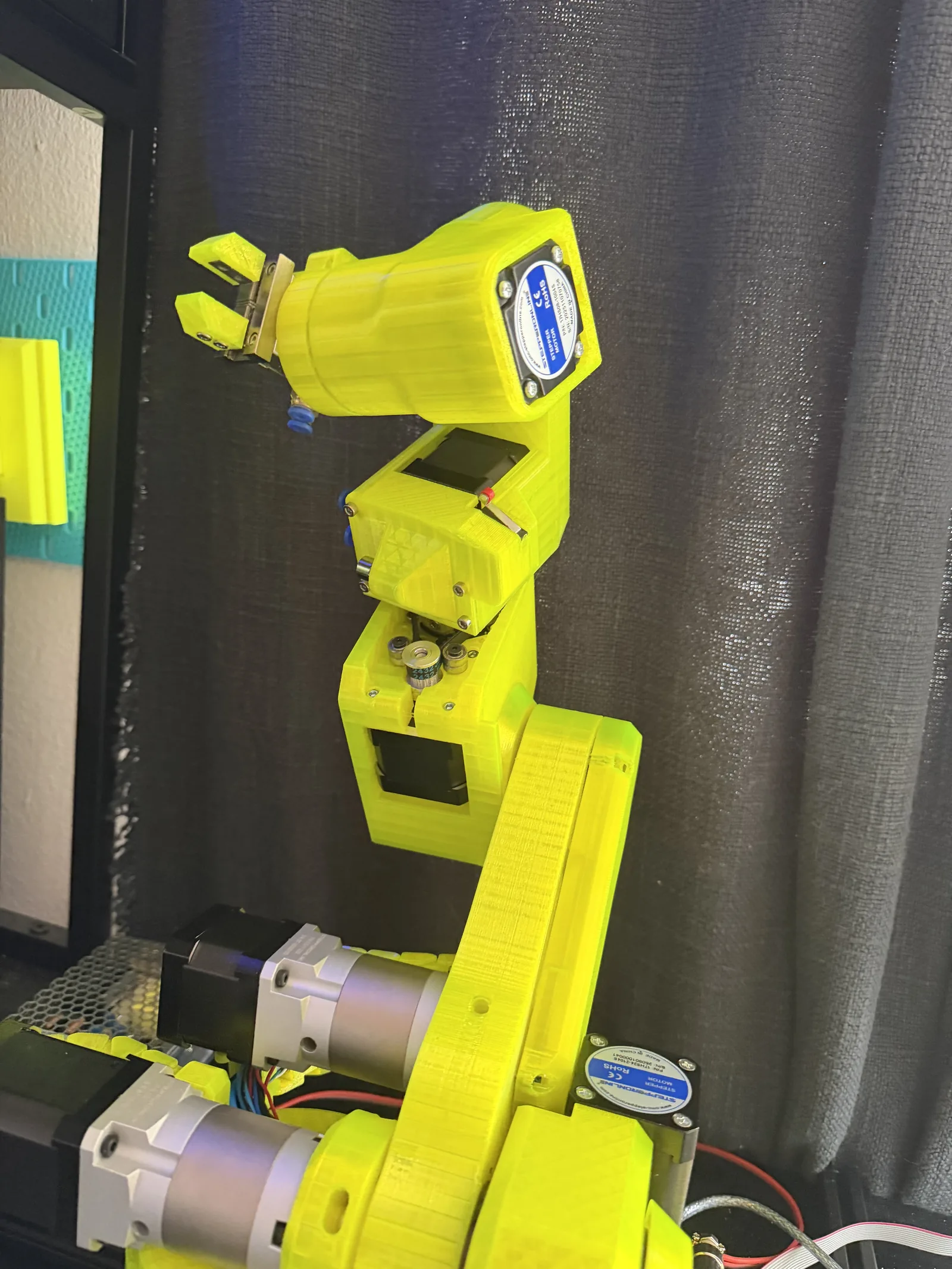
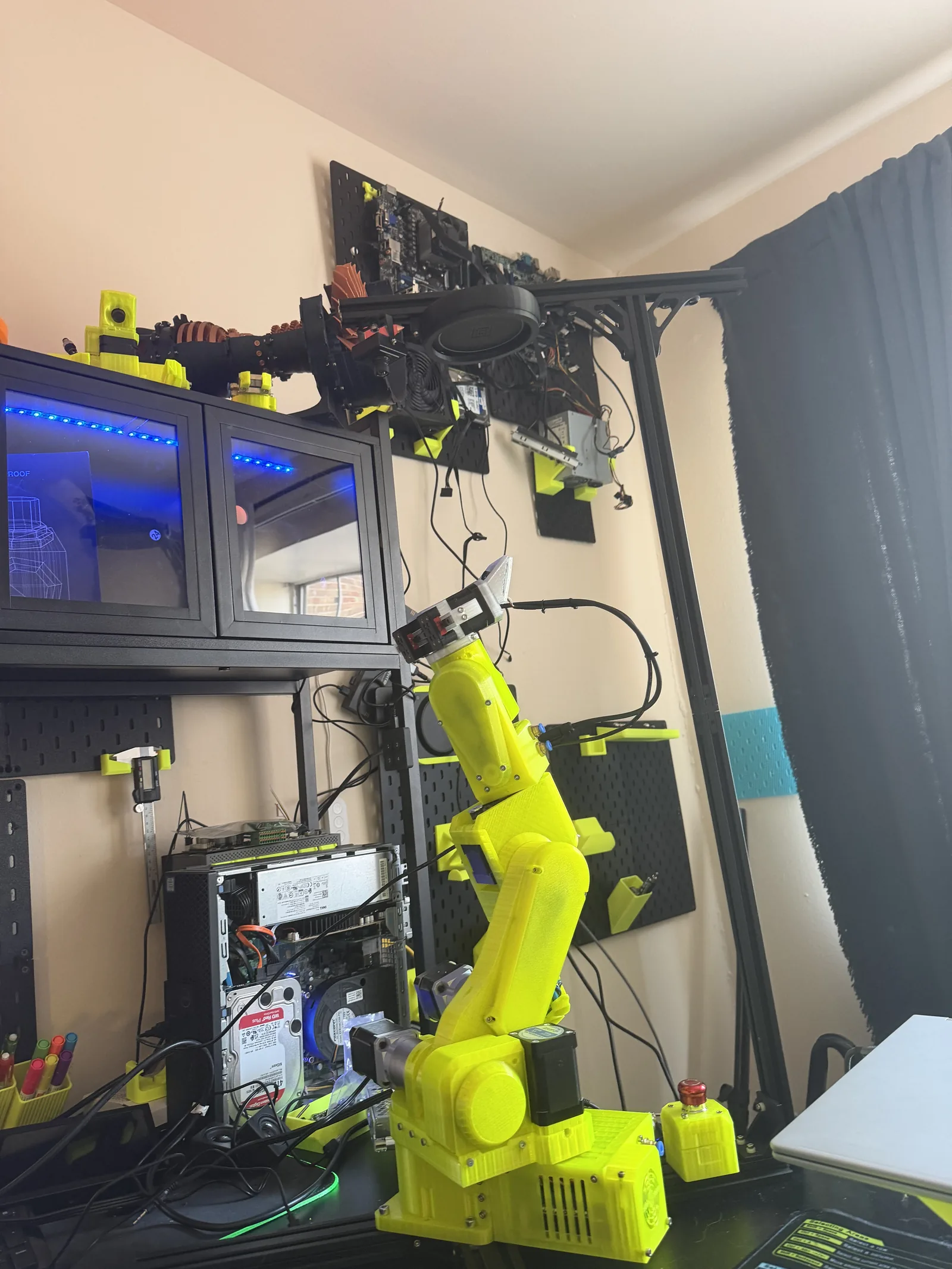
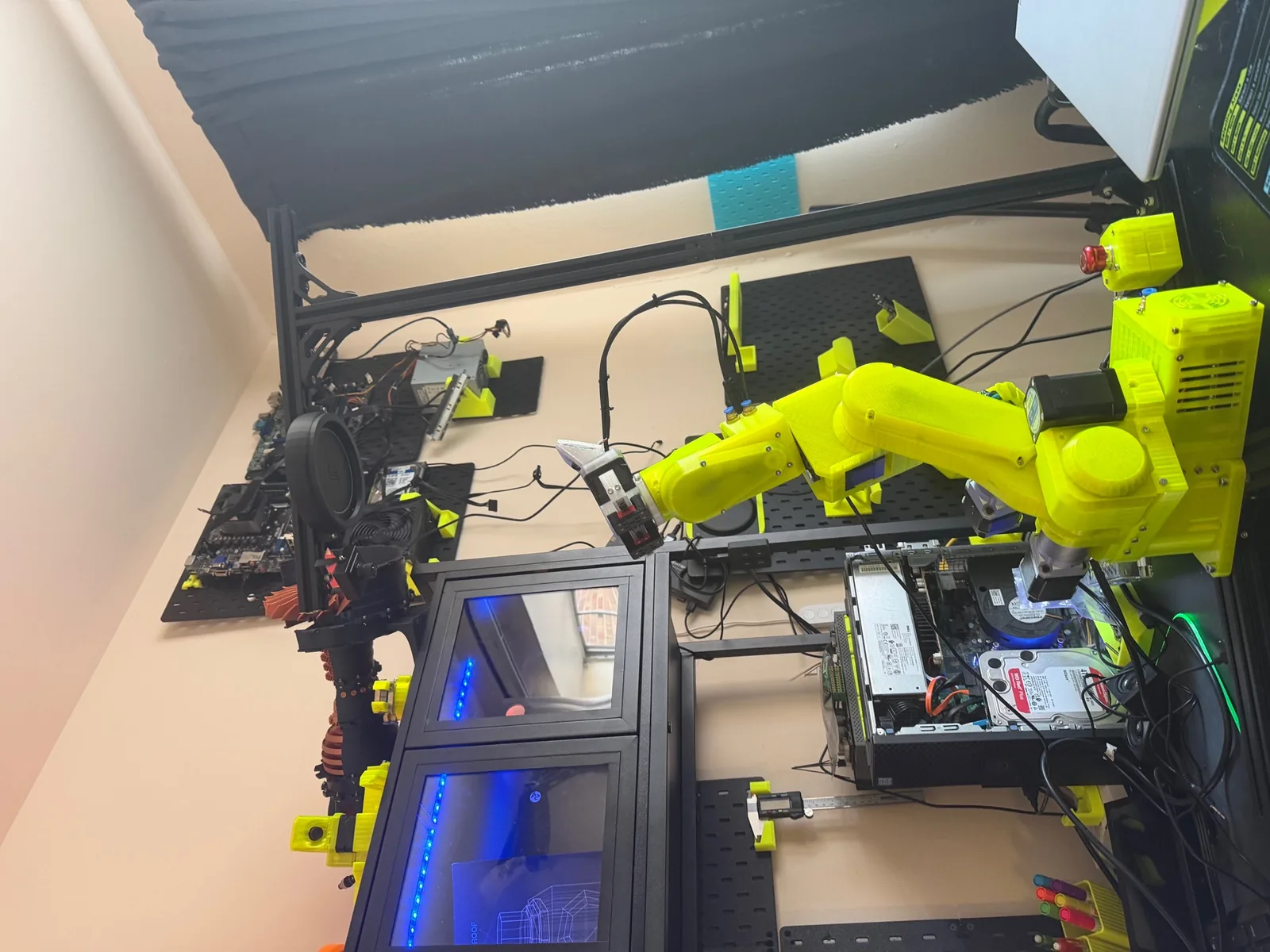
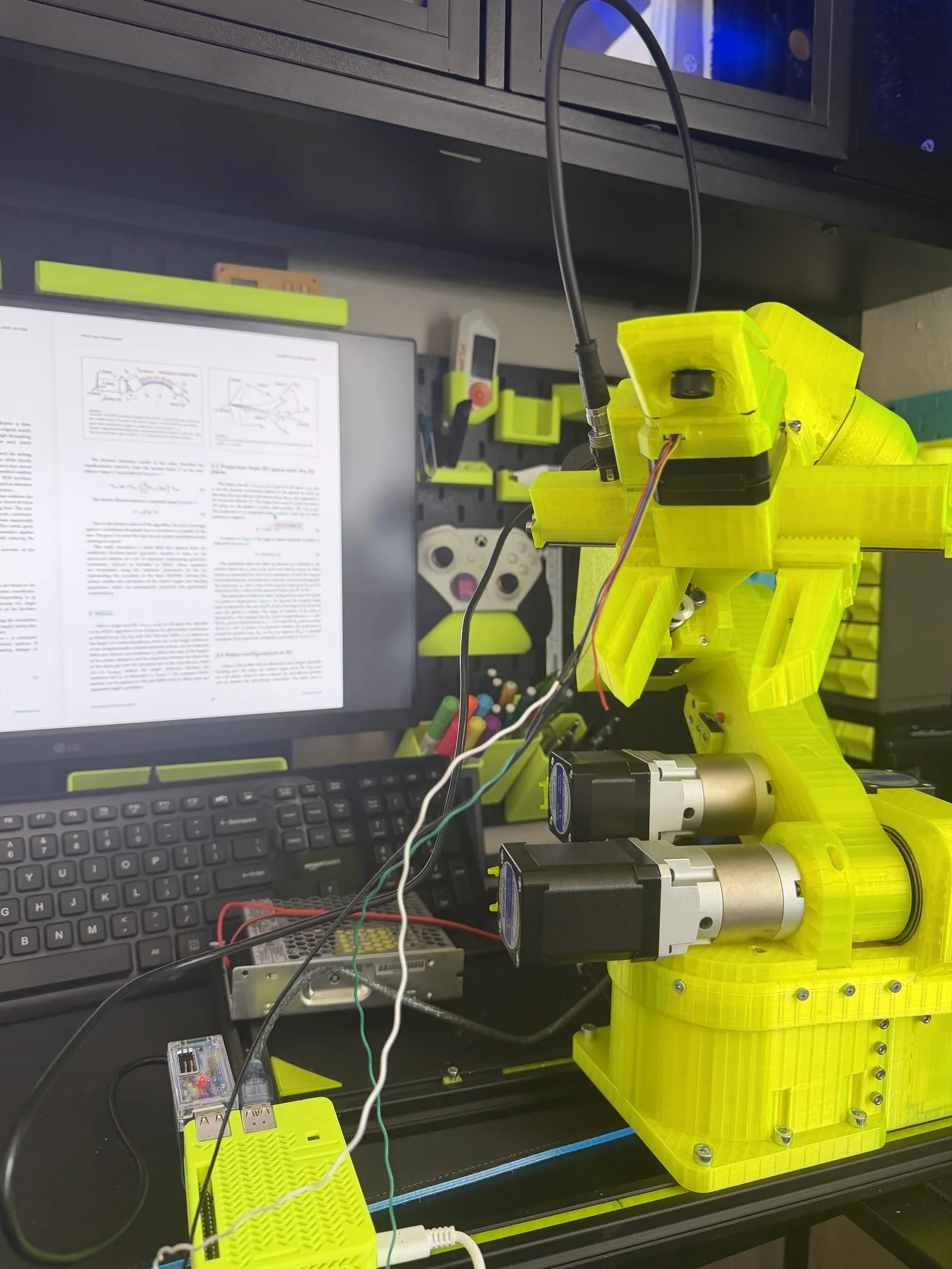
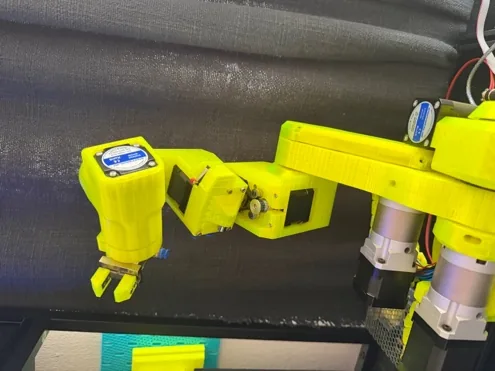
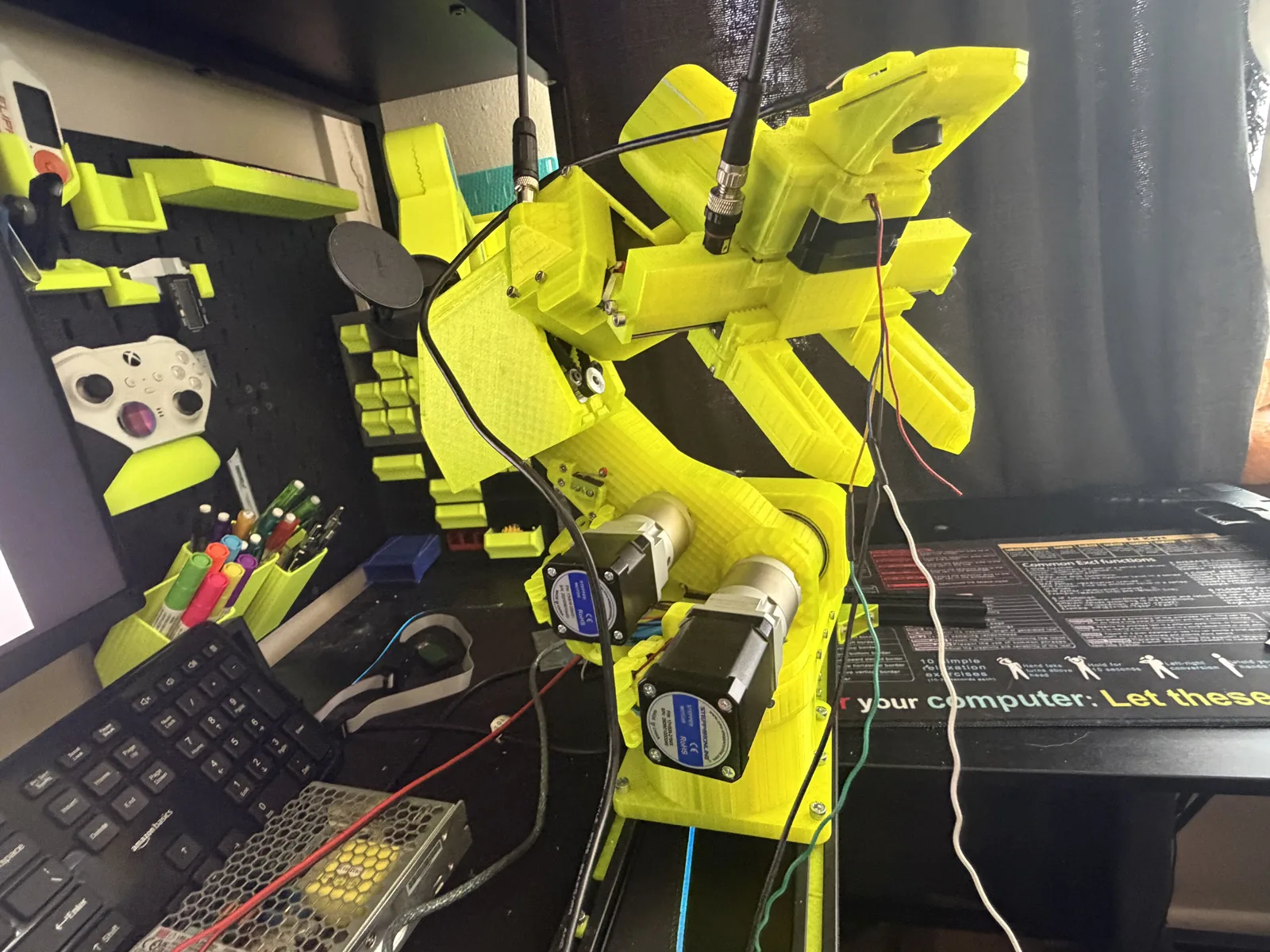
VOLT is what the PAROL6 became once I was done with it. Custom parts, my own additions, and eventually a full local AI stack that the base design never assumed.
Naming it mattered more than I expected. Version One never got a name and never quite became a thing. VOLT did.
Phase 11
The Gripper
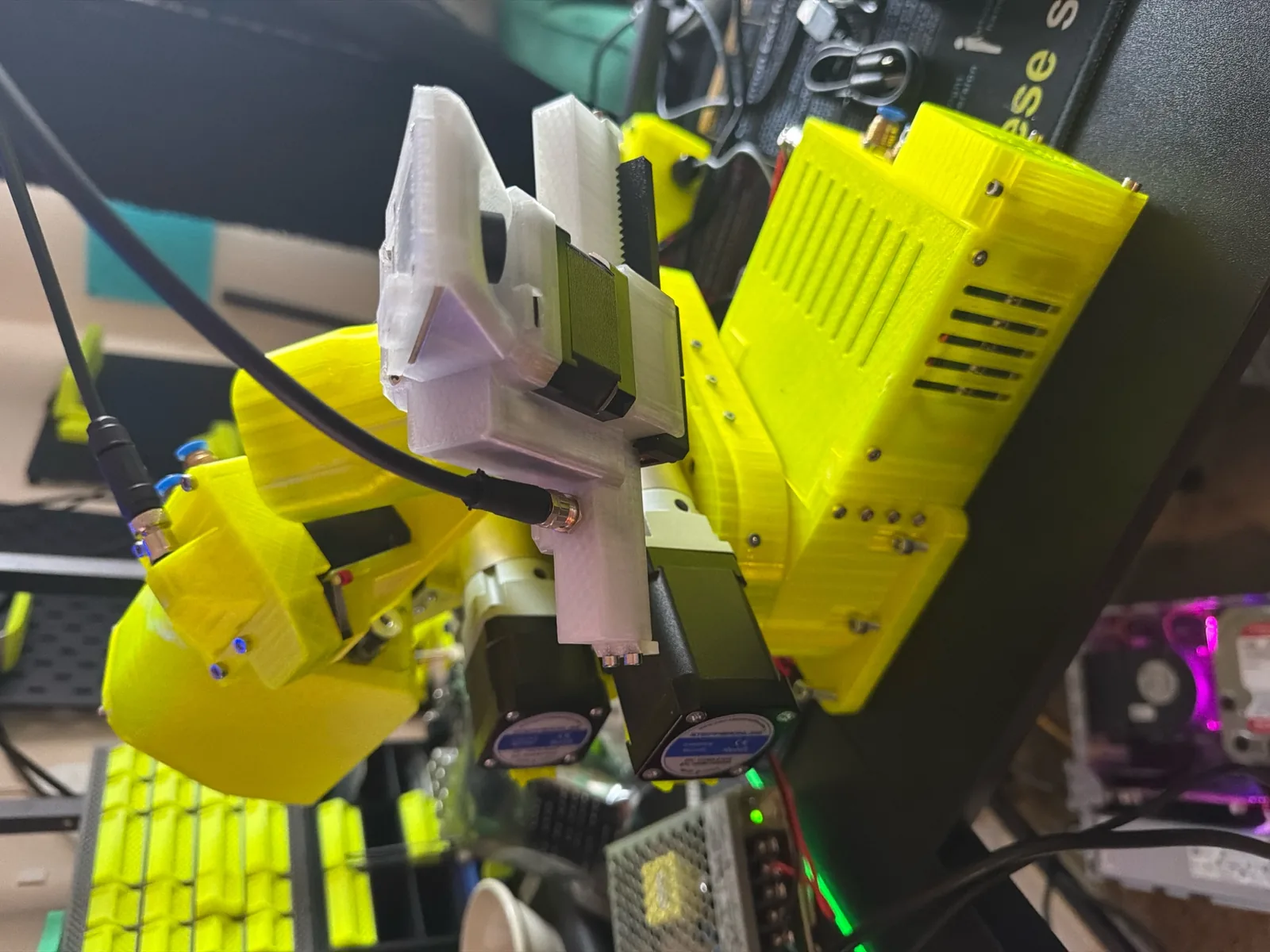
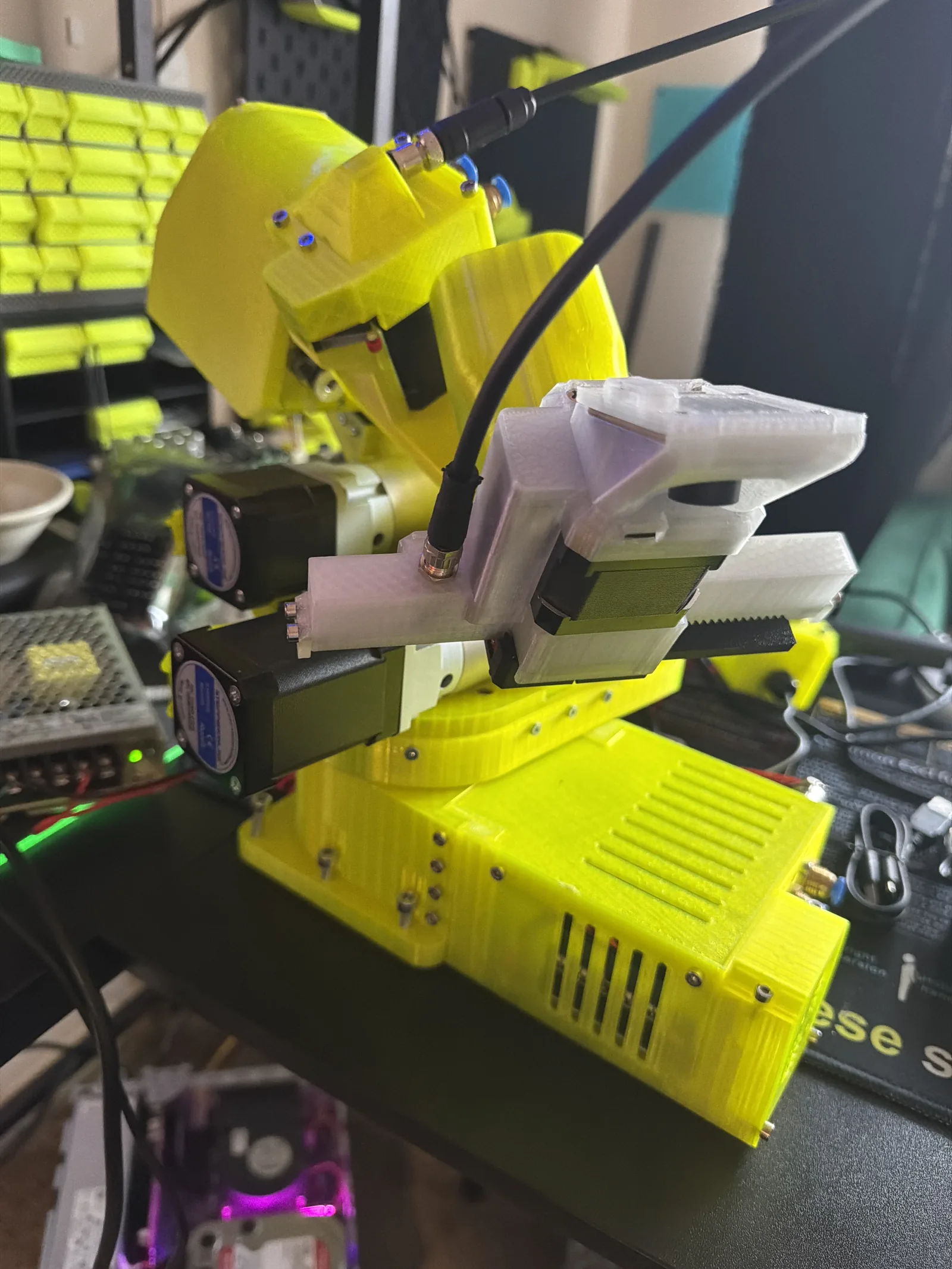
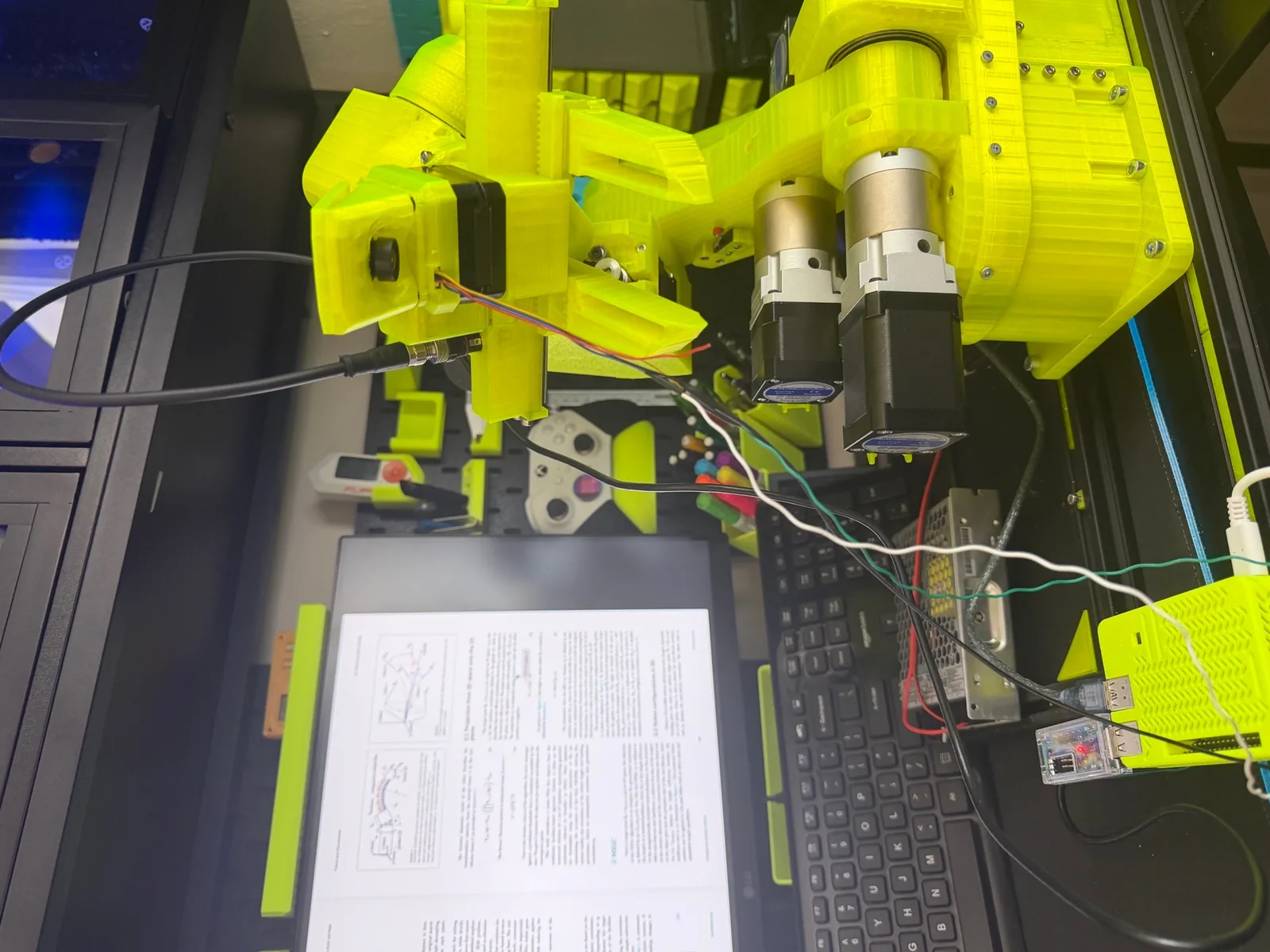
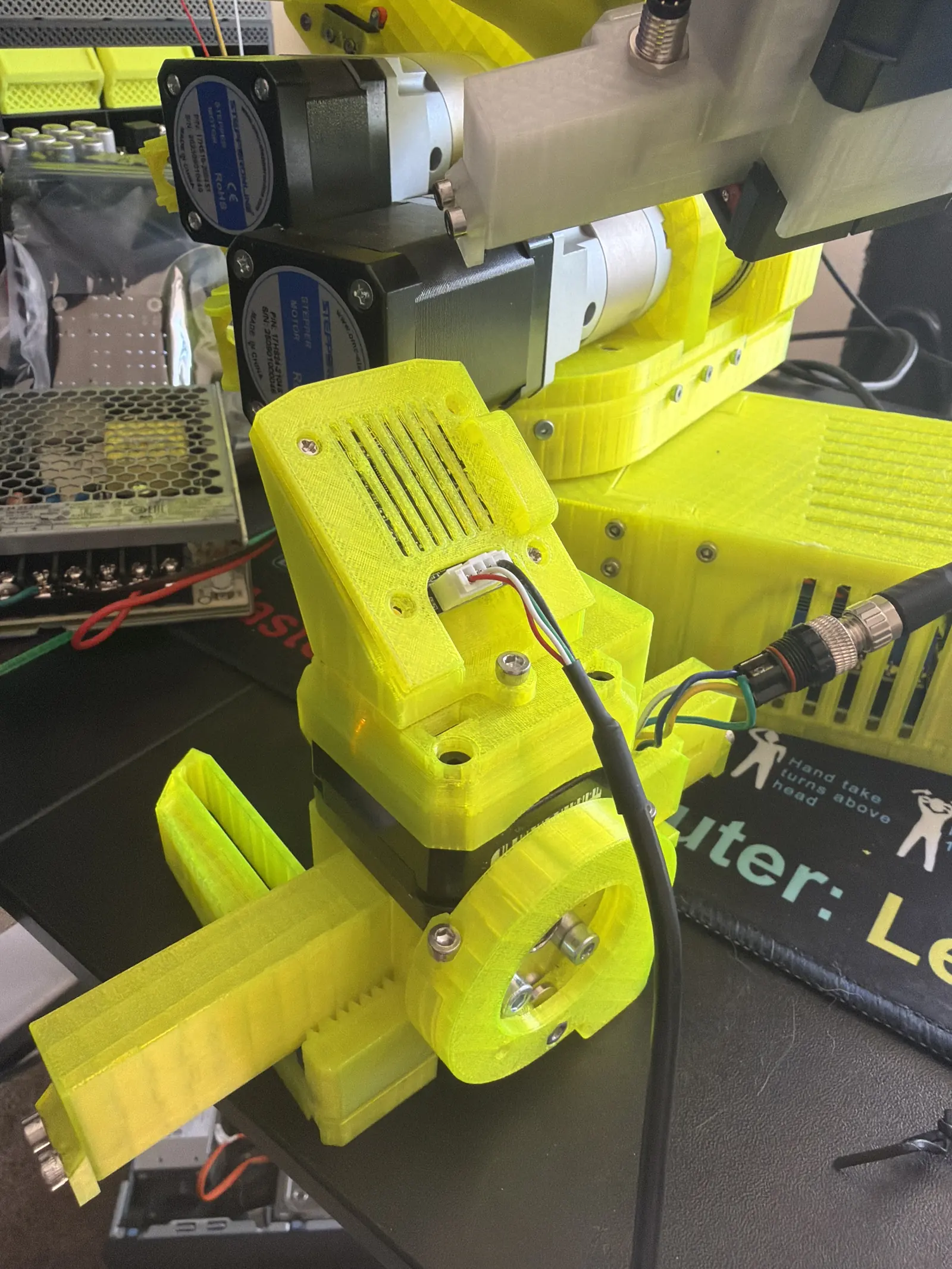
I designed the gripper for the PAROL6. It's now a product you can buy.
The gripper was the part I got most wrong on Version One, so it's the part I went hardest at. I designed the PAROL6 gripper, iterated it against real objects and real failure modes, and it's now being sold to other builders.
Going from “my gripper broke” to “my gripper ships” is the single clearest measure of what changed between Phase 07 and here.
Phase 12
The Brain, Part One
Local compute. Pi, Jetson, ROS2, and deliberately without ROS2.
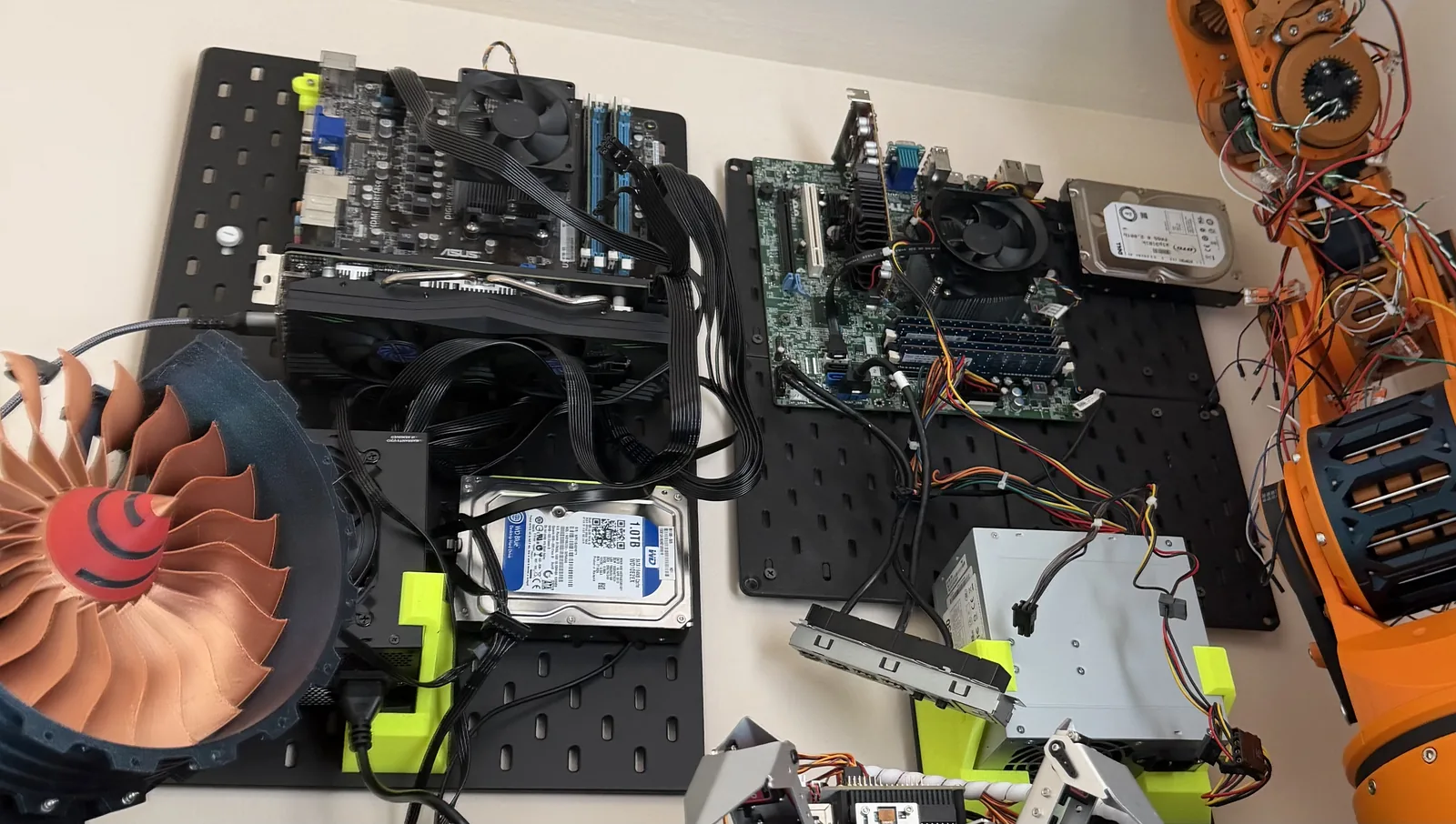
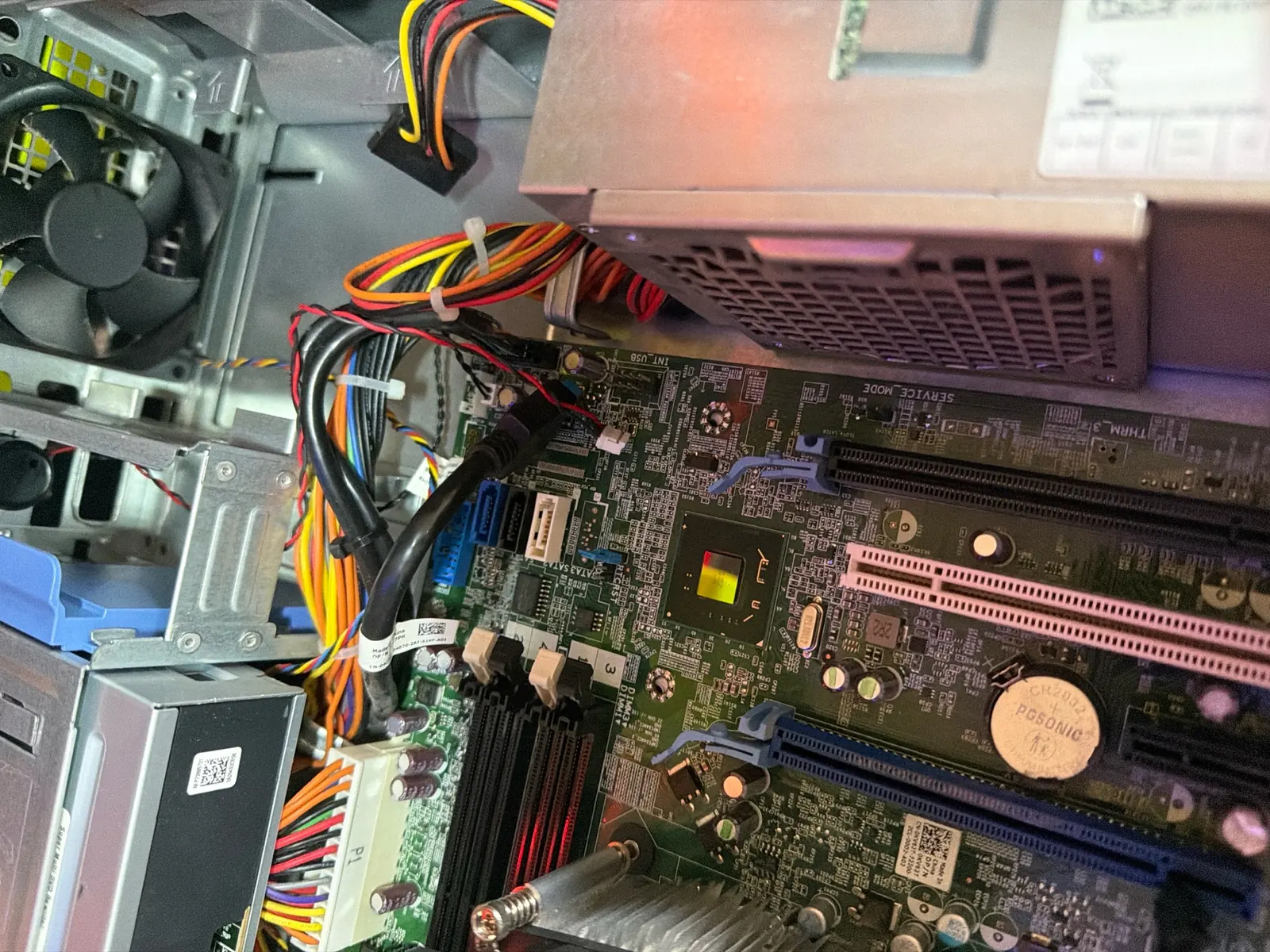
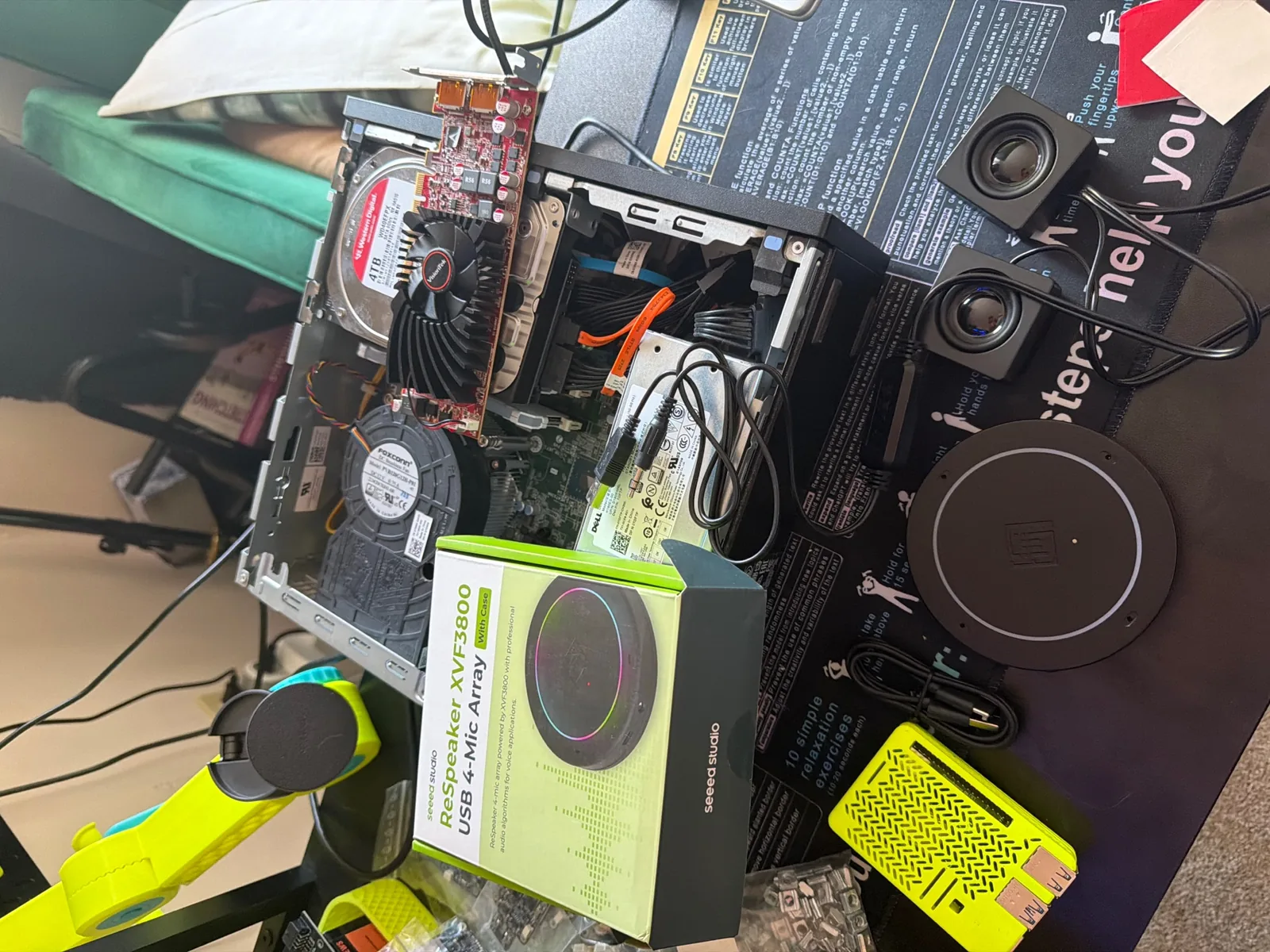
I ran VOLT's intelligence stack three ways on purpose.
On a Raspberry Pi, to see how far minimal compute could go. On a Jetson Nano, for onboard inference with real headroom. With ROS2 for the standard robotics middleware, and without ROS2, direct, to understand what the middleware was actually doing for me and what it was costing.
The controllers I wrote for it are open: parol6-controller runs headless on a Pi as a self-hosted web controller, and parol6-cockpit is the phone-first version, with thumb joysticks and a deadman-guarded jog.
Nothing here depends on a cloud API. If my internet dies, VOLT still works.
Phase 13
The Brain, Part Two
Vision-Language-Action models, LeRobot, and a distributed GPU cluster for training.
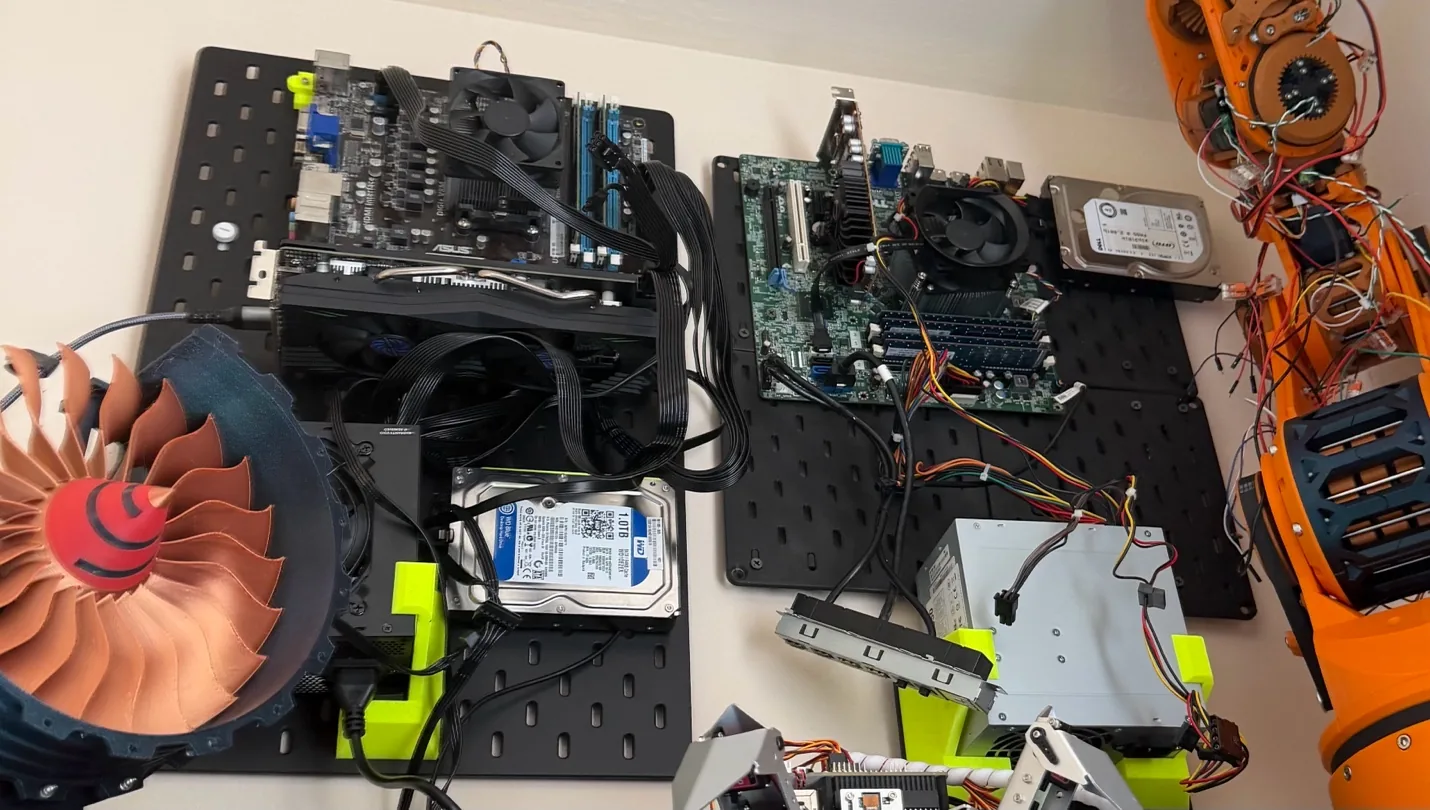
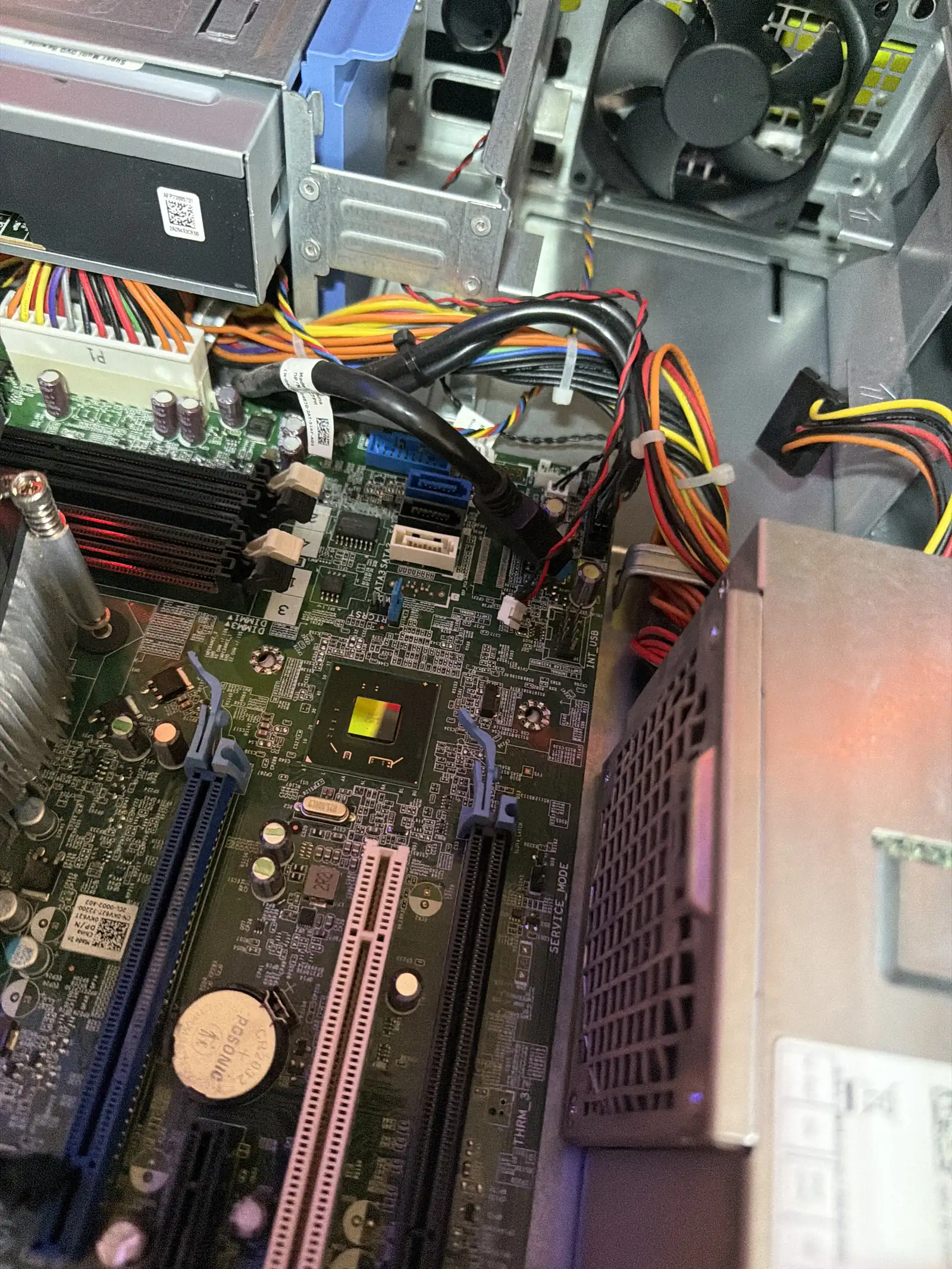
VOLT runs on VLA models: architectures that take in what the camera sees plus what you said, and output what the arm should do. I built on LeRobot, Hugging Face's open robotics stack, and trained on a cluster of RDMA-networked GPU machines I configured myself.
That cluster is the part people skip. Training robot policies is not a laptop activity. Getting RDMA interconnect working across multiple GPU boxes was its own project inside this project.
Phase 14
Talk to It
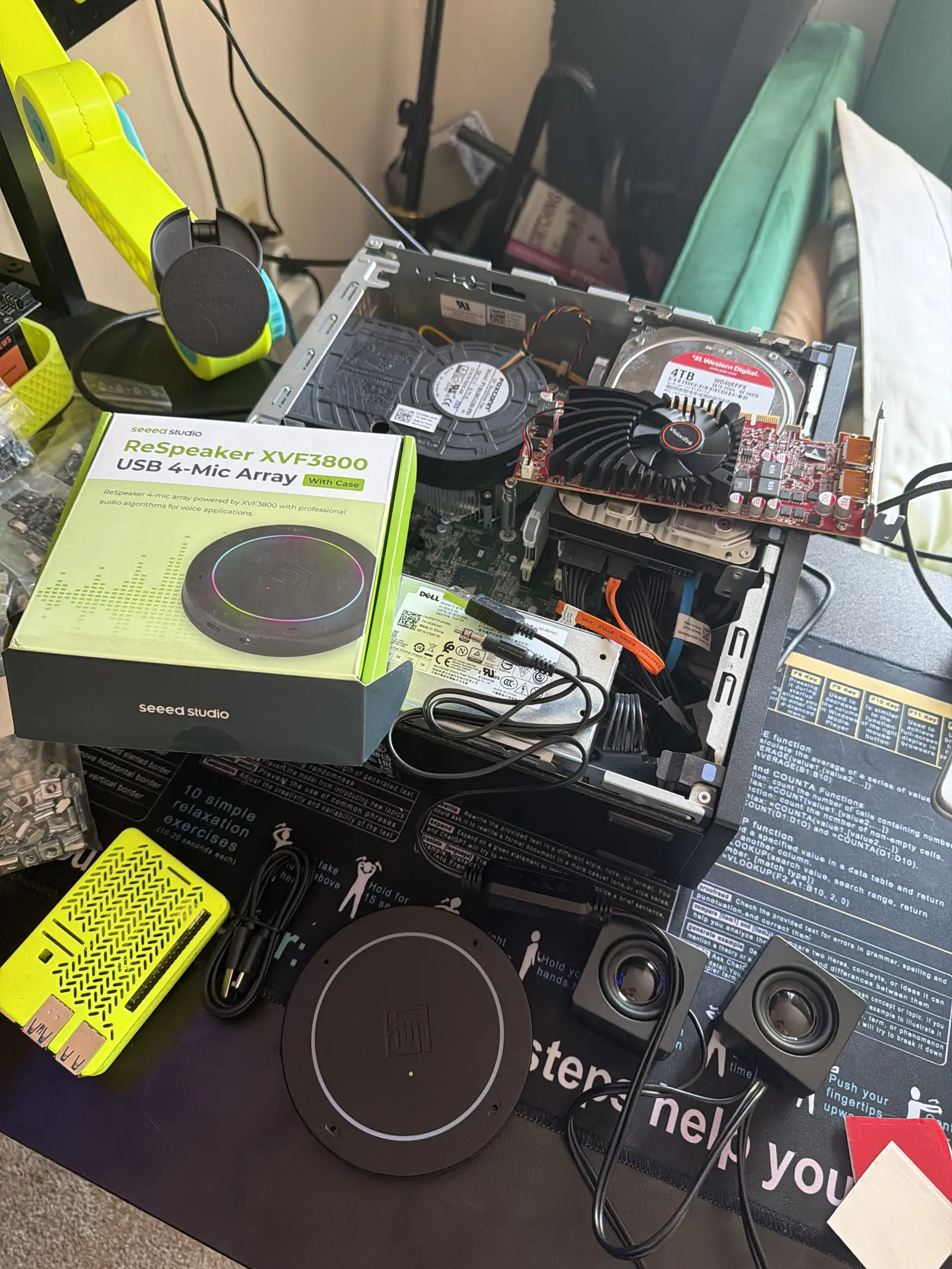
Voice in, action out. No scripts, no teach pendant.
What VOLT can do when you just say it:
Clean up my desk.
Hand me that tool.
Turn off my computer.
Turn yourself off.
Grab the print off the printer.
That last one is my favorite. It opens the 3D printer, identifies the finished part, and lifts it off the bed. Nothing about that is a fixed sequence. The part is in a different place and a different shape every time.
This is the difference between a robot that repeats and a robot that understands.
Phase 15
When It Misses
The interesting part isn't the successful grasp. It's what happens after a failed one.
A traditional robot that misses a grasp keeps going. It closes on air, lifts nothing, and completes the motion perfectly. It has no idea it failed.
VOLT checks. It verifies whether the object is actually in the gripper, recognizes when it isn't, and recovers. That's error detection built into the policy, not bolted on as a sensor threshold.
This is what I mean when I say it isn't robotics, it's AI. Robotics executes the plan. AI notices the plan didn't work.
Phase 16
The Paper: RGB Over LiDAR
I argued that cameras beat depth sensors for this class of problem, and I had the ablation data to prove it.
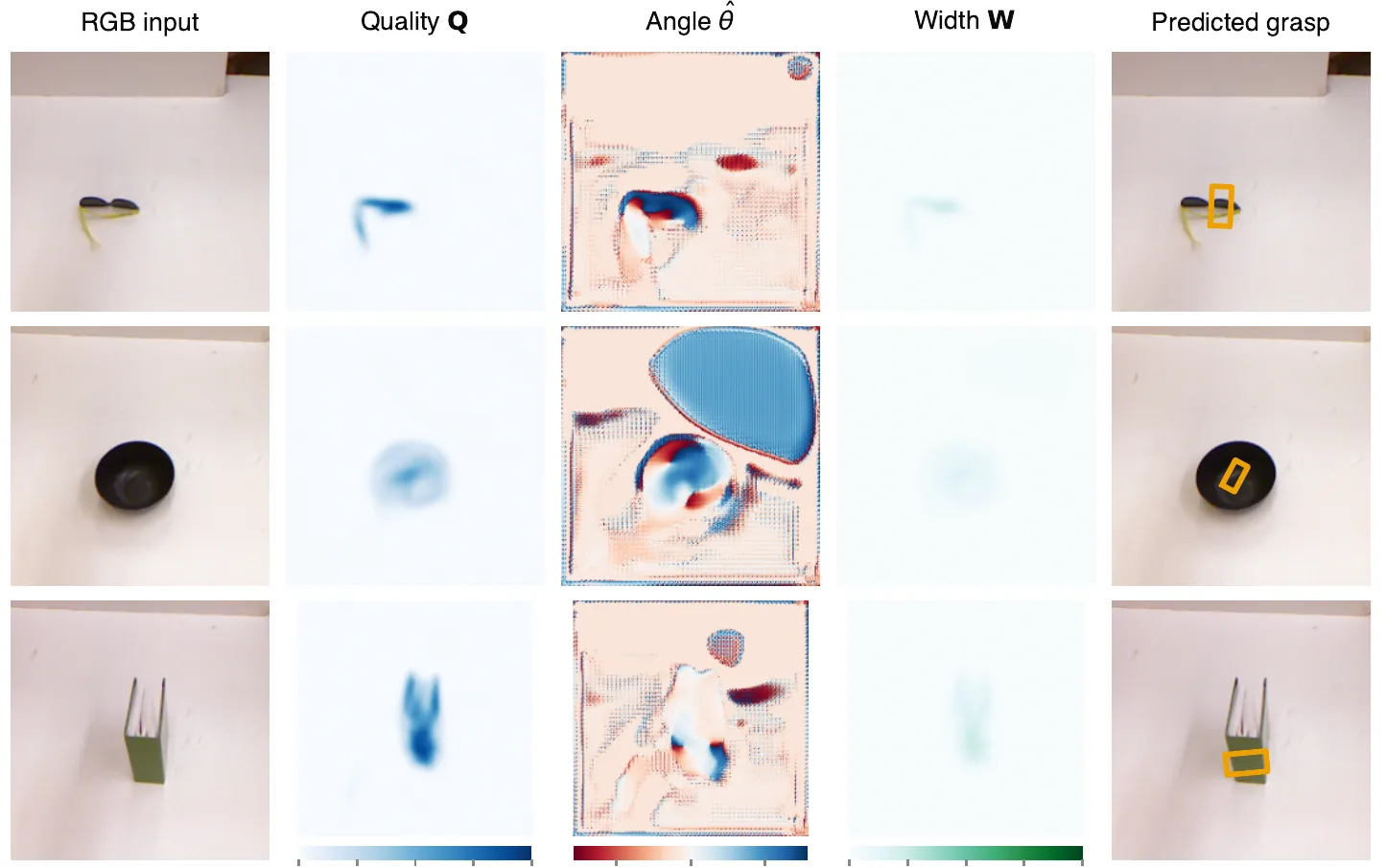
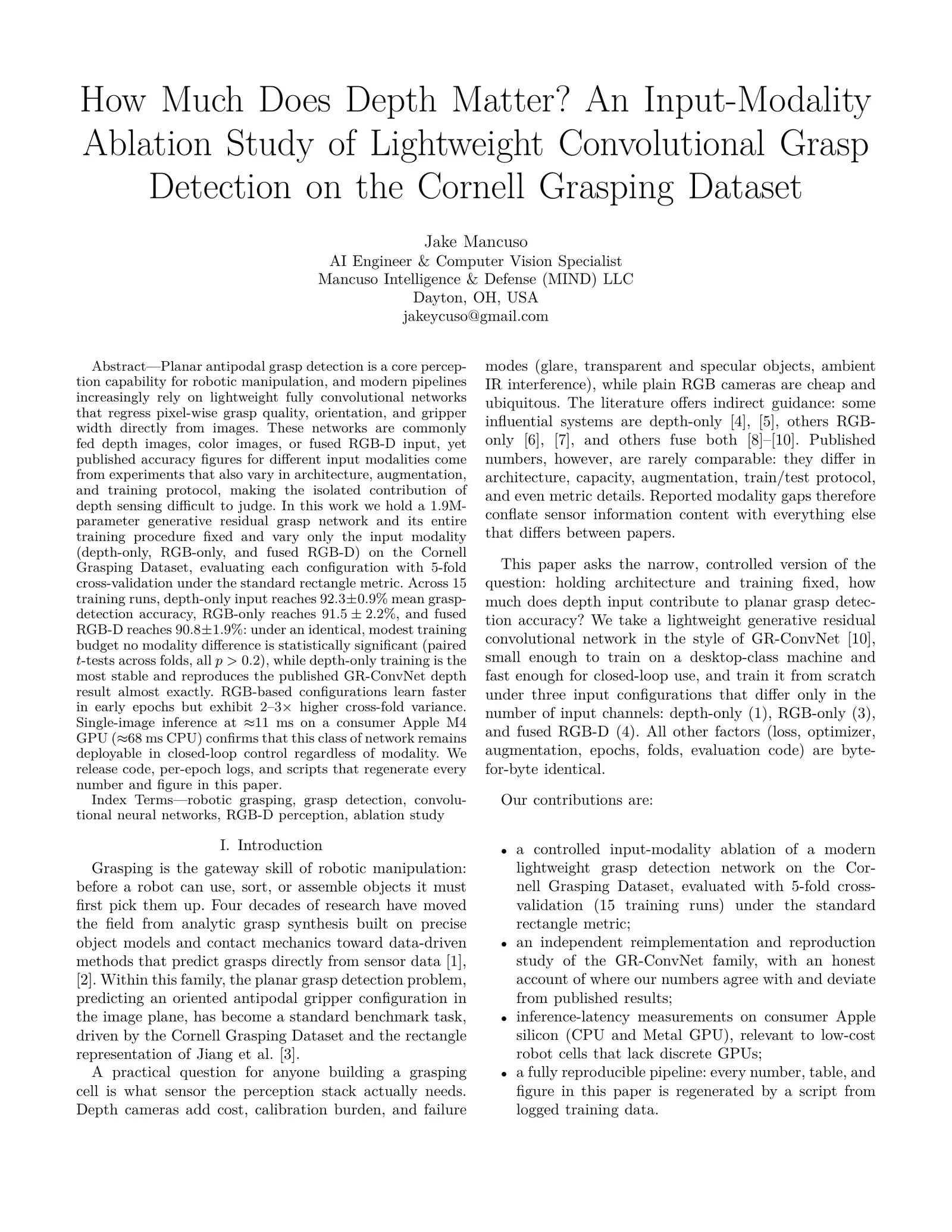
I wrote a research paper on input-modality ablation for lightweight convolutional grasp detection, testing how much depth information actually contributes versus plain RGB. The short answer: less than the field assumes.
Holding architecture and training protocol fixed across fifteen runs, depth-only reached 92.3%, RGB-only 91.5%, and fused RGB-D 90.8%. Under an identical, modest training budget, no modality difference was statistically significant.
I pushed for RGB cameras over LiDAR on that basis. Plain cameras are cheap and ubiquitous, and the numbers said the sensing stack could lose the depth hardware without a meaningful accuracy tradeoff.
Being right about this was satisfying. Having the numbers to prove it before the decision was made was the part that mattered.
Read the paper How Much Does Depth Matter? An Input-Modality Ablation Study of Lightweight Convolutional Grasp Detection on the Cornell Grasping Dataset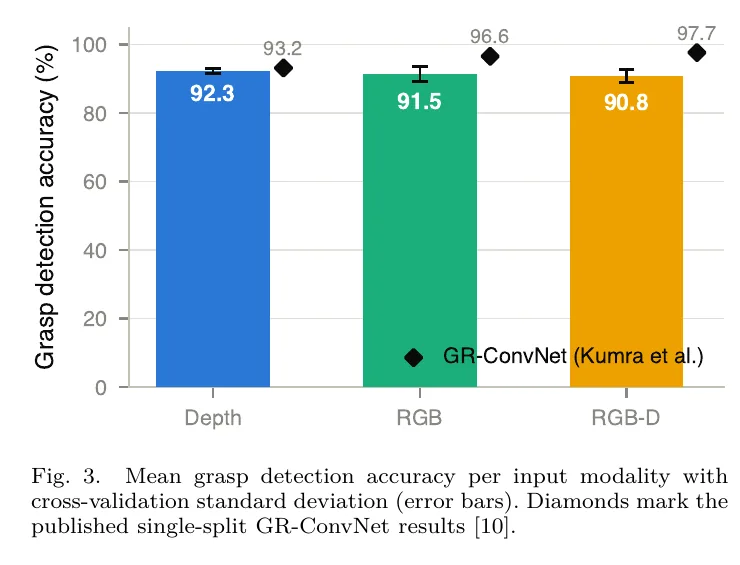
Phase 17
Selected
Twelve people out of thousands of applicants, chosen for the closed-loop PAR6 beta.
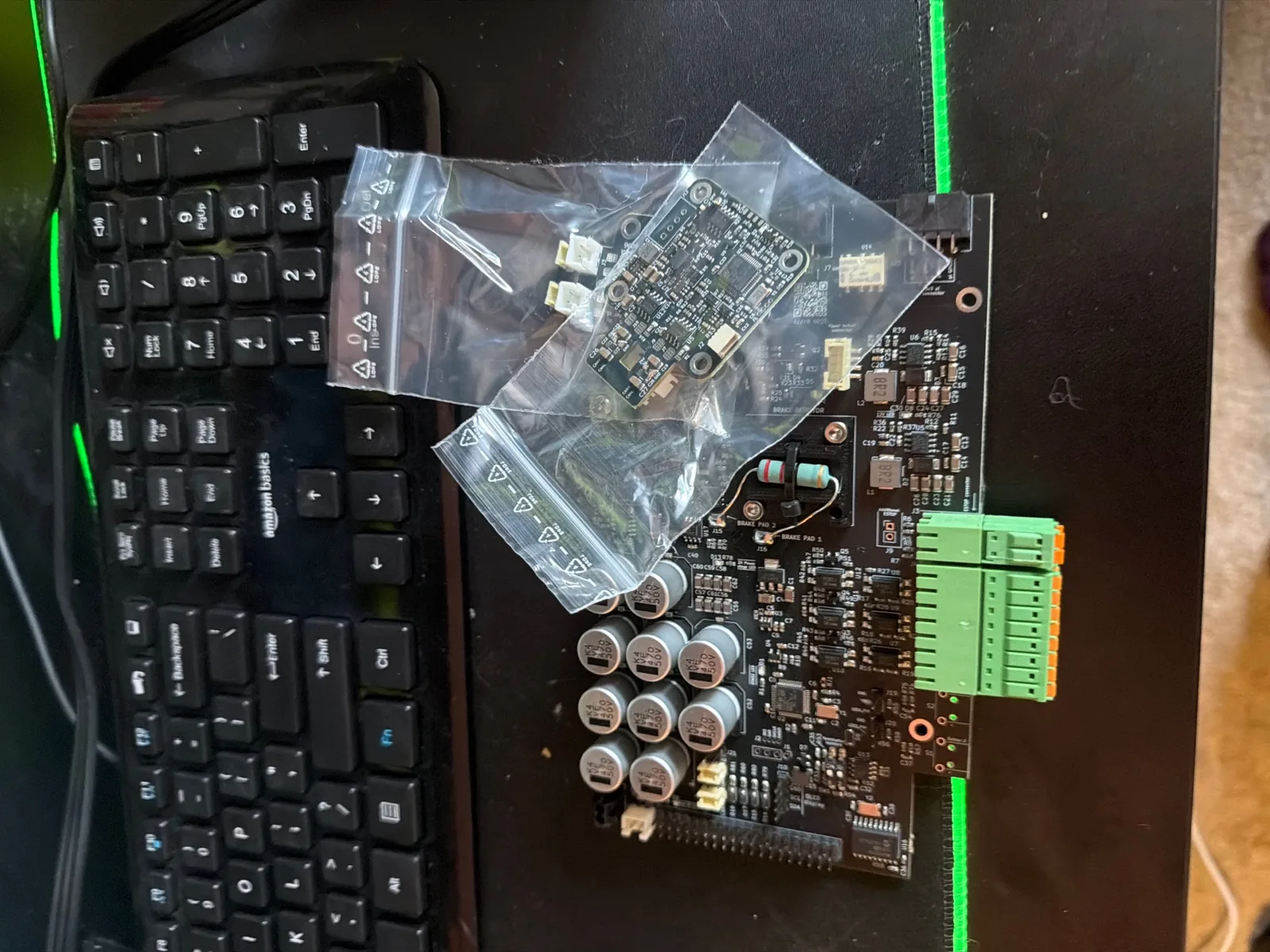
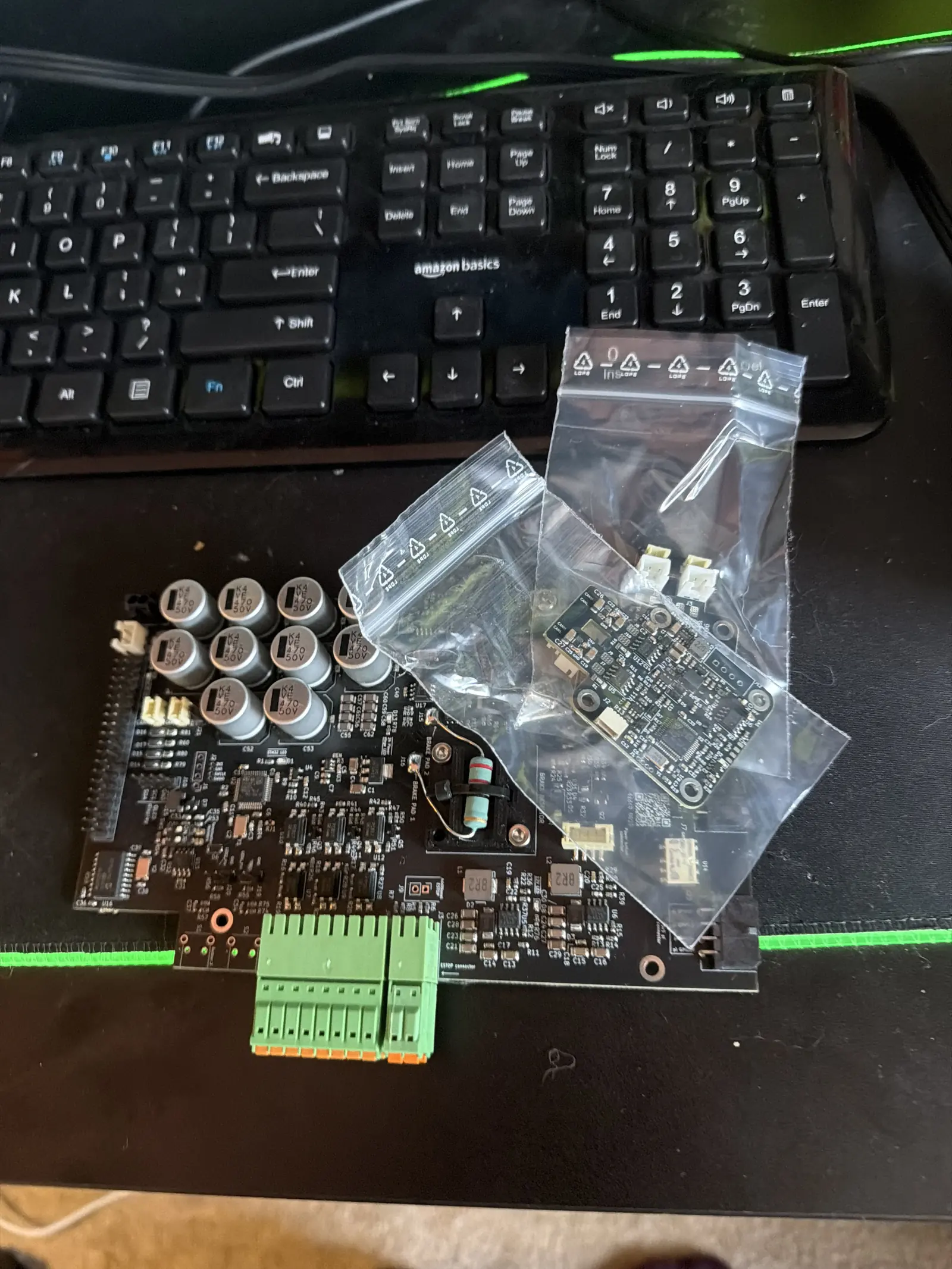
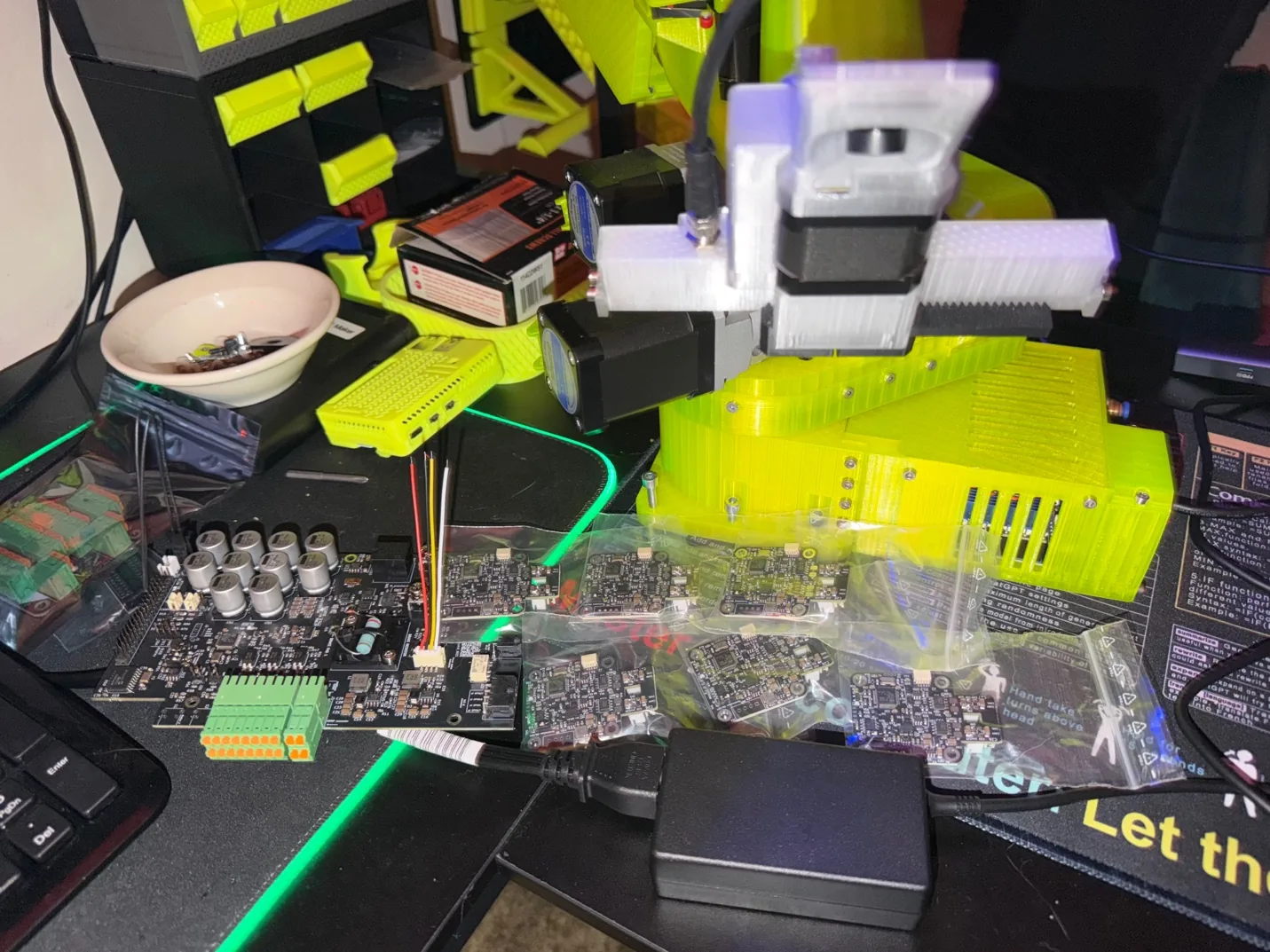
I shared my VOLT modifications and AI integration with the Source Robotics engineering team. They opened a beta program for the PAR6, their closed-loop collaborative arm, and selected twelve builders out of thousands of applicants.
I'm one of them.
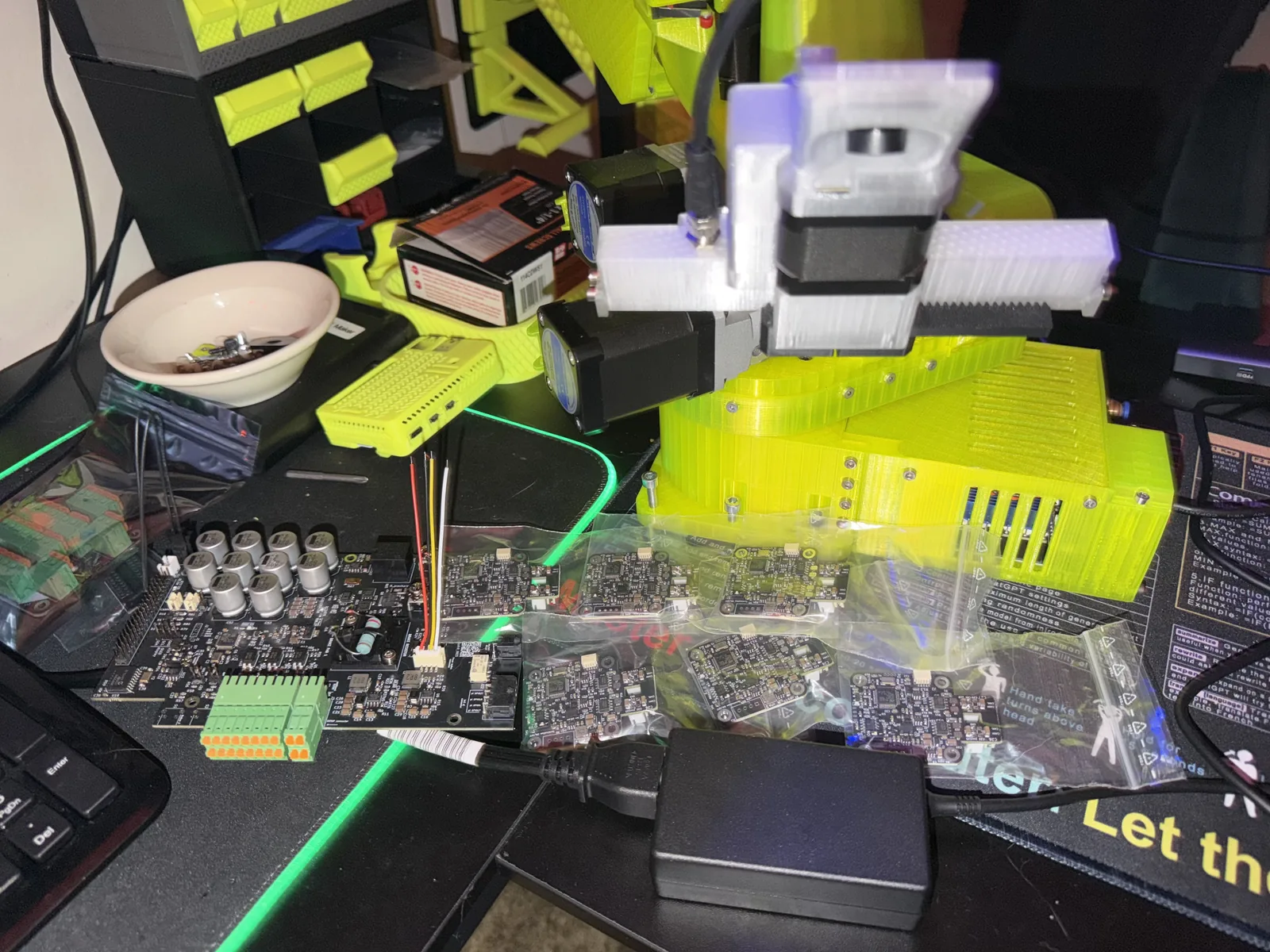
My work is on the RCB, the closed-loop control box, and on getting an AI system running on top of true closed-loop feedback. Which is, precisely, the thing Version One proved I couldn't do alone.
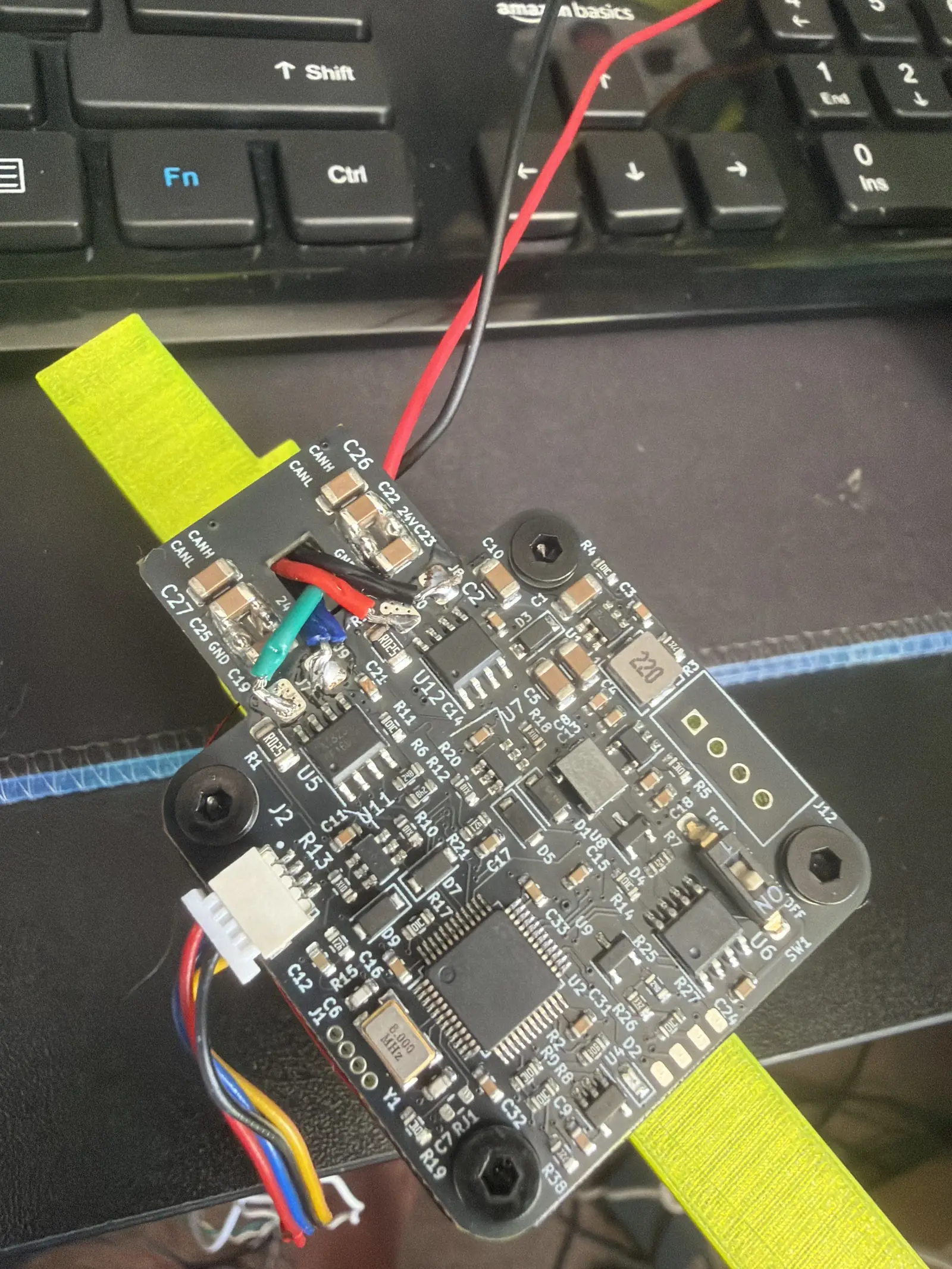
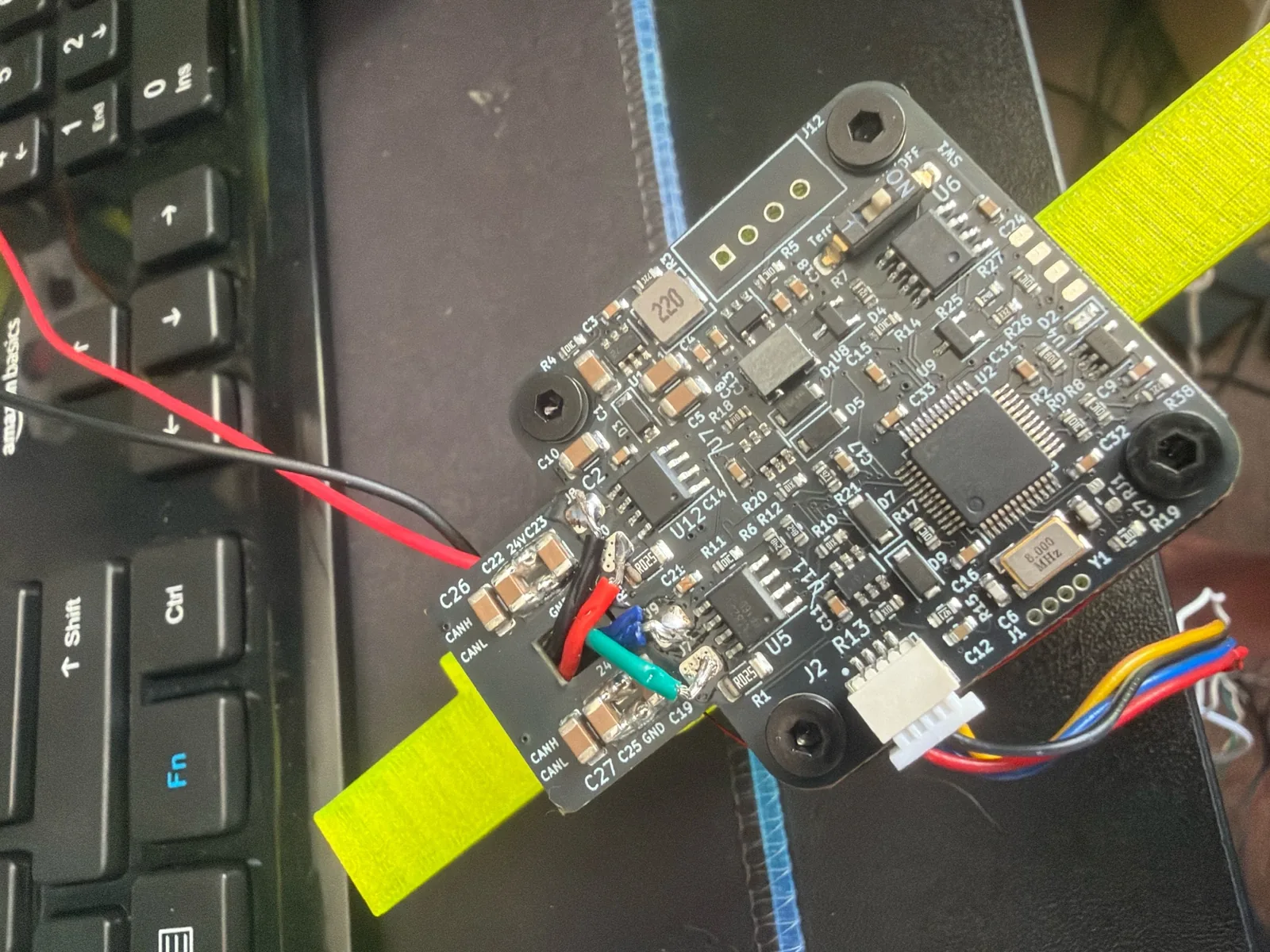
The beta kit ships with a hall sensor PCB. On Version One, that was the component I could not get within tolerance. This time the tolerance is somebody else's solved problem, and I get to build on top of it.
The arm in Phase 07 fell over because it didn't know where it was. This one knows.
Phase 18
Now: Humanoids
Six axes wasn't the ceiling. It was the prerequisite.
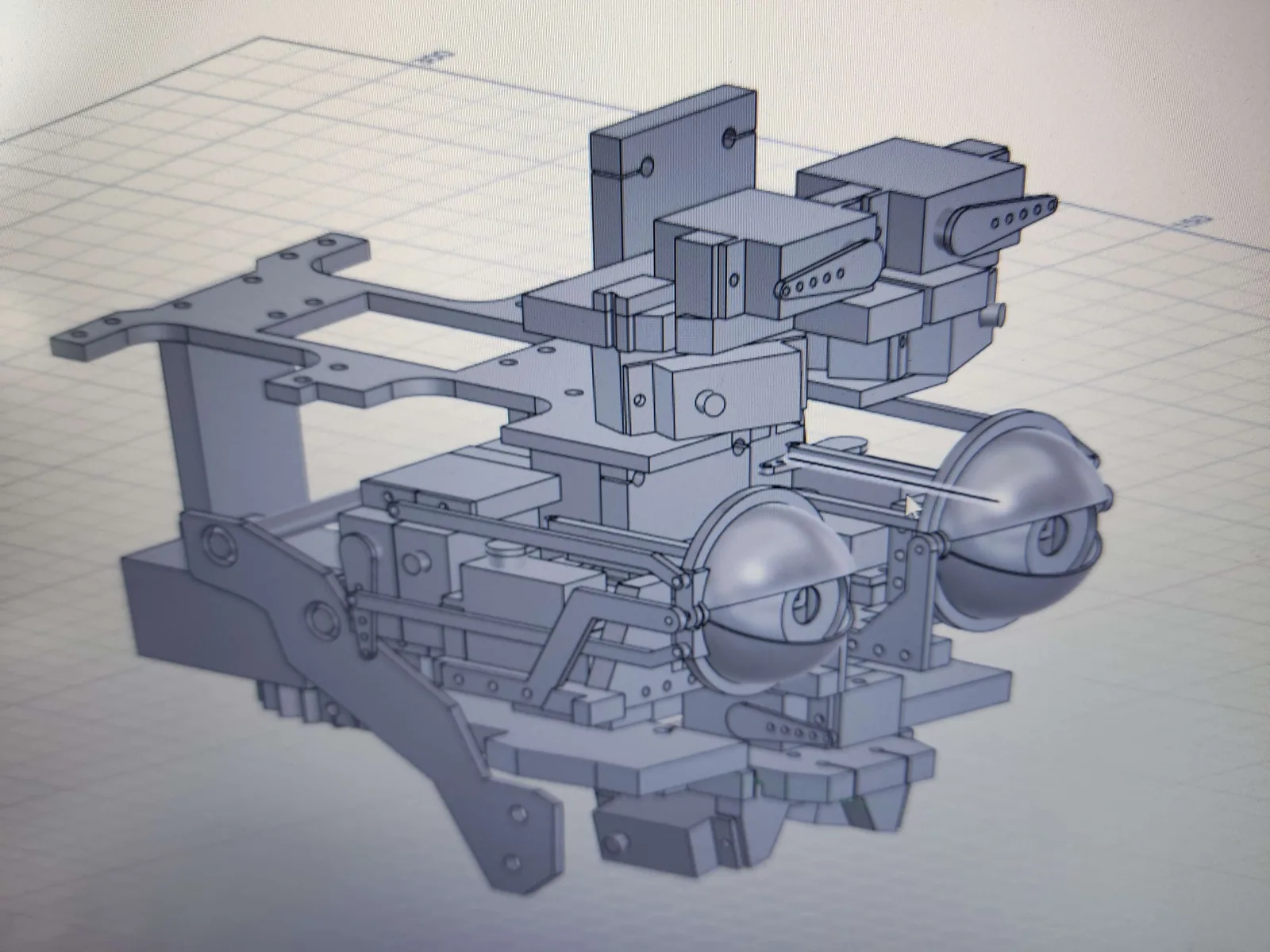
I'm working on humanoid robotics now, including an InMoov-based build. Current focus is the head: a CAD design for a human face with articulated eyes that actually track.
An arm has to know where its hand is. A face has to decide where to look. Same problem, harder question.
This section is deliberately unfinished.